
Skyscanner Flights Hotels Cars
Screenshots

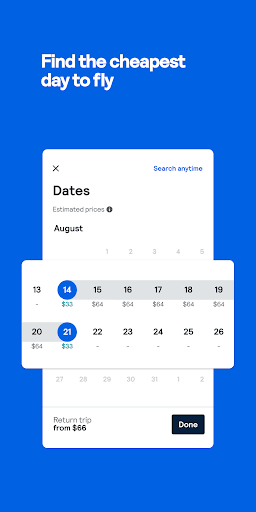
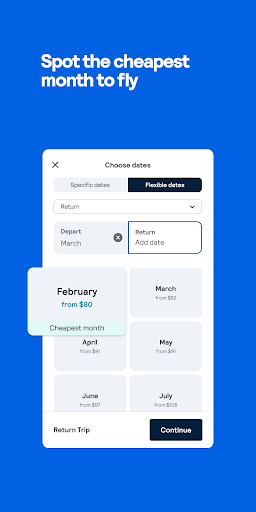
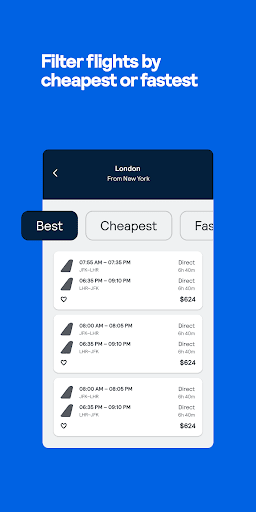
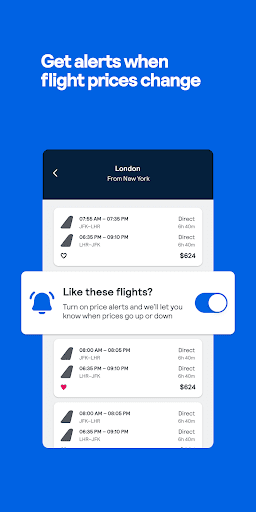

What is Skyscanner Flights Hotels Cars
Compare flights, hotels, and rental cars worldwide with Skyscanner to quickly find options across carriers and travel sites. Use flexible date searches, price alerts, and multi-city tools to discover deals and plan trips efficiently.
📌 Core Features
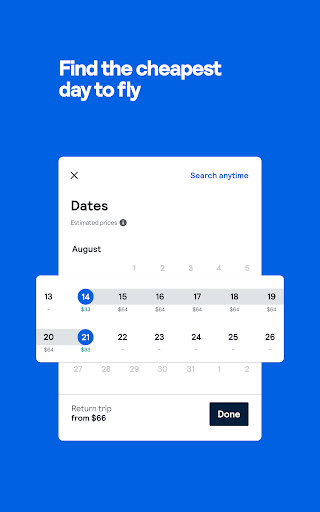
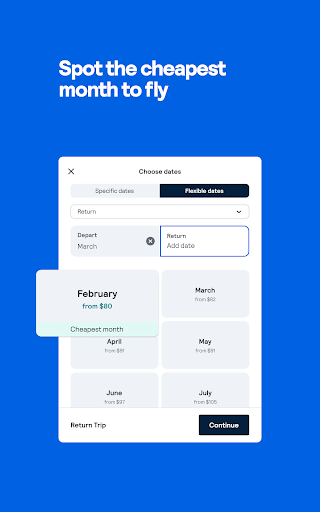
Flight search aggregator: Search flights across airlines, online travel agencies, and low-cost carriers with comprehensive filters for stops and times. Calendar views and fare comparisons highlight cheaper travel windows. ✈️
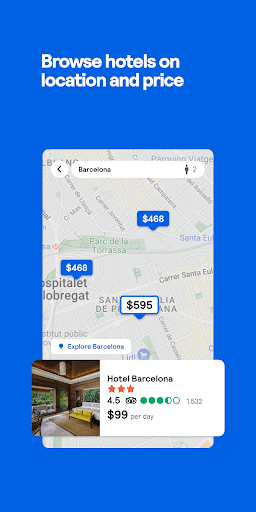
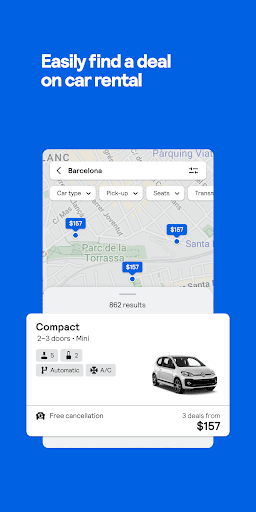
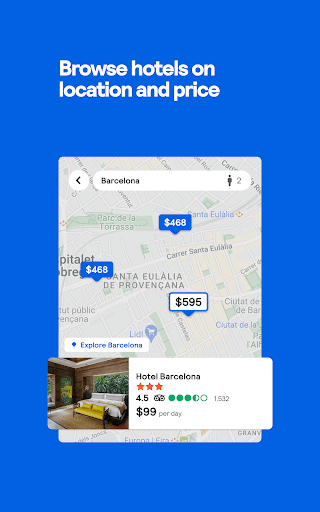
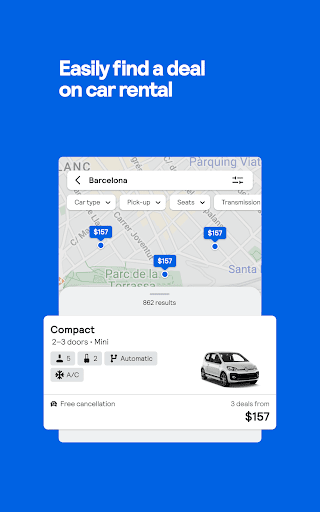
Hotel and car comparisons: Compare hotel rates and rental car deals with map views, ratings, and amenity filters to narrow choices before booking. Provider details and room or vehicle info assist pre-purchase evaluation. 🏨
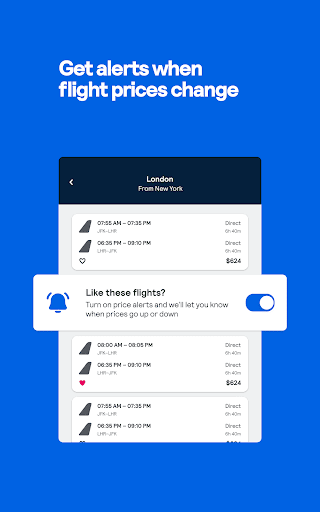
Price alerts and fare tracking: Set alerts for specific routes and receive notifications when fares rise or fall to time purchases. Historical price graphs and trend indicators provide context for decision-making. 🔔
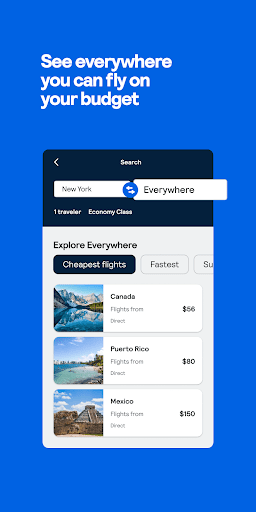
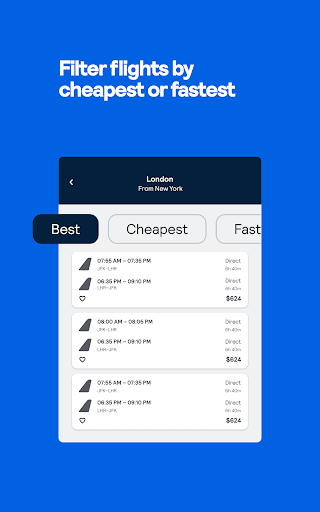
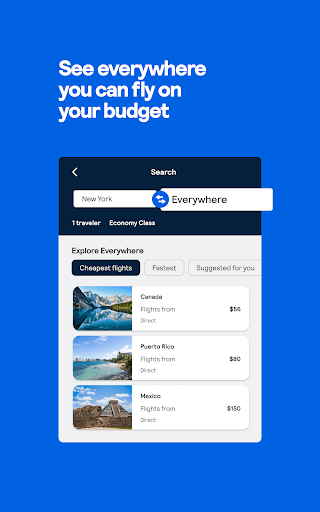
Flexible search tools: Use “Everywhere” discovery, flexible date ranges, and multi-city itineraries to uncover alternative routings and lower-cost options. Filters for cabin class, duration, and airlines refine search results to traveler preferences. 🔎
Booking redirects and partner integrations: Complete reservations through airline and OTA partners via in-app redirection with partner checkout flows. Booking terms, fees, and support are provided by the chosen vendor at checkout. 🔗
👍🏼 Pros
Wide coverage and comparisons: Aggregates global sources to increase the chance of finding lower fares and diverse provider options. Multiple vendors listed enable side-by-side cost and schedule comparisons. 🌍
User-friendly interface: Clean layout, intuitive filters, and visual calendar tools make scanning options and finding deals fast. Saved searches and quick-access widgets streamline repeat planning. 🧭
Free fare alerts and planning tools: Price alerts, flexible searches, and discovery features are available without charge to help budget-conscious travelers. Alerts notify users of price drops to act quickly on deals. 💸
Transparent result presentation: Result cards display trip legs, total price, and provider to support informed choices. Sorting by price, duration, or departure time clarifies trade-offs for each option. 📊
Cross-platform sync: Account sync keeps saved searches and alerts consistent across web and mobile for seamless planning. Offline access to saved itineraries helps during travel with limited connectivity. 🔁
👎🏼 Cons
Booking handled by third parties: Redirection to airlines and OTAs means final prices and policies can differ from initial listings. Support for booking issues therefore depends on the selected provider. ⚠️
Ads and sponsored listings: Promoted results and partner placements can appear above organic options and obscure cheapest fares. Users must scan for sponsored labels to ensure fair comparisons. 📣
Inconsistent fee visibility: Baggage, seat selection, and change fees are sometimes revealed only at provider checkout, complicating apples-to-apples cost comparisons. Total trip cost may require extra scrutiny before purchase. 🧾
Limited direct support for aggregated bookings: Skyscanner cannot directly manage ticketing or refunds for reservations made through partners. Resolution of cancellations or changes requires contacting the airline or OTA used at booking. 🛎️
Data and personalization trade-offs: Search history and preferences are used to personalize results and offers, which may raise privacy considerations. Review account and privacy settings to control data sharing. 🔒
💰 Prices
Skyscanner is free to download and use; searching, price alerts, and planning tools are available without charge. Bookings are completed through partner airlines and OTAs and may include fares, taxes, and provider fees set by those vendors; any premium services or fees are determined by the booking partner and vary by provider and region.
Similar Apps