Google Maps
Screenshots
What is Google Maps
Navigate smarter across the US with Google Maps. Download now for precise directions, live traffic, and local business discovery.
📌 Core Features
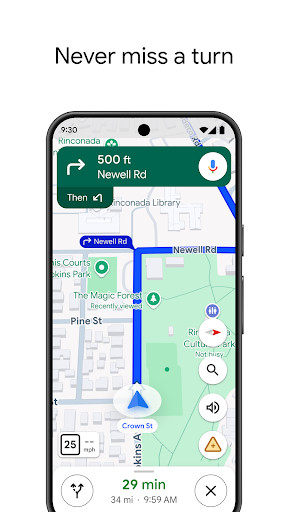
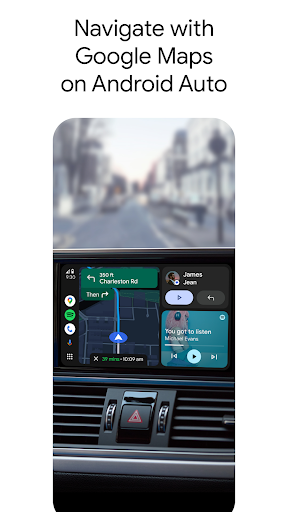
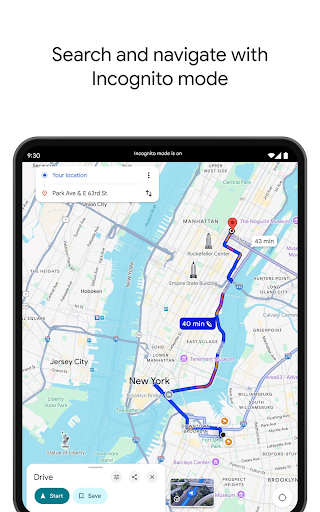
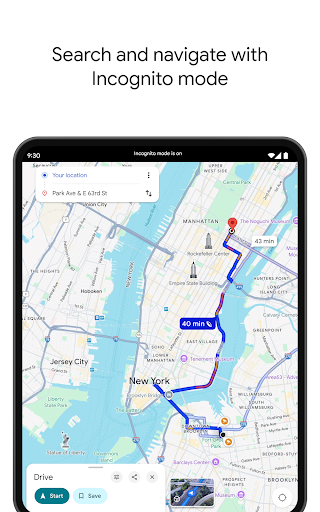
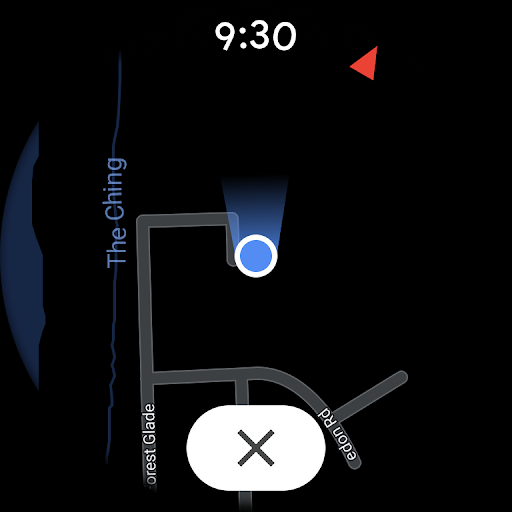
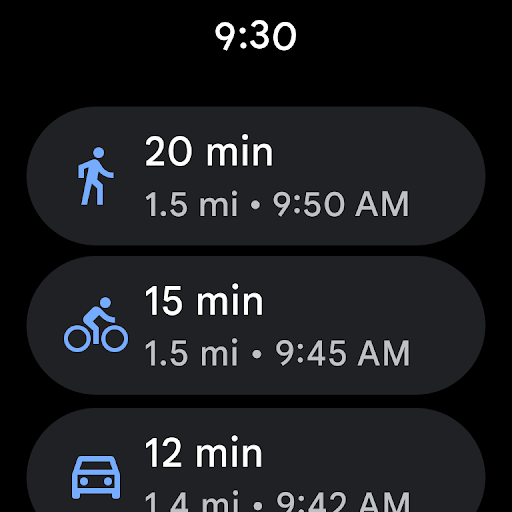
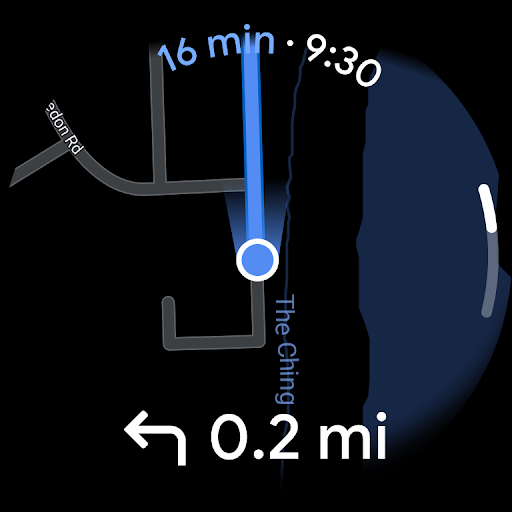
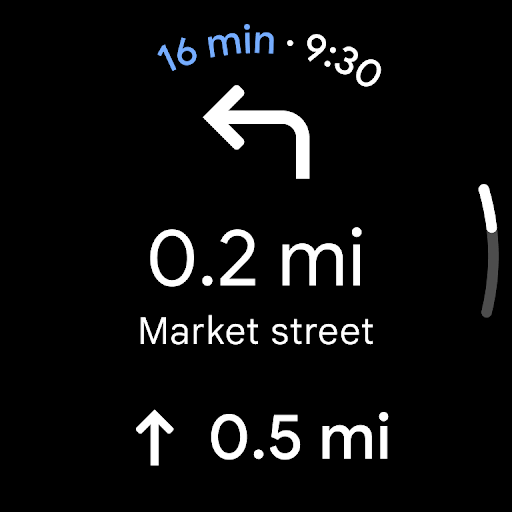
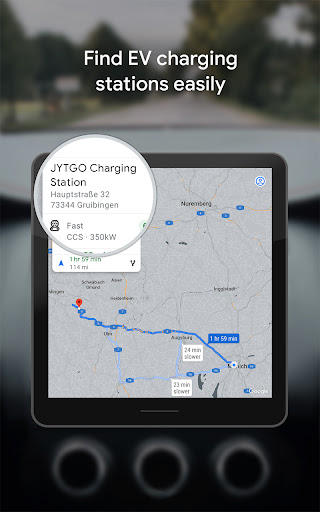
Turn-by-turn navigation: Provides voice-guided turn-by-turn directions for driving, walking, biking, and public transit. Real-time rerouting accounts for incidents and keeps routes efficient. 🚗
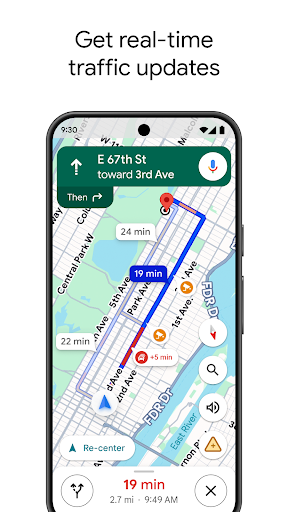
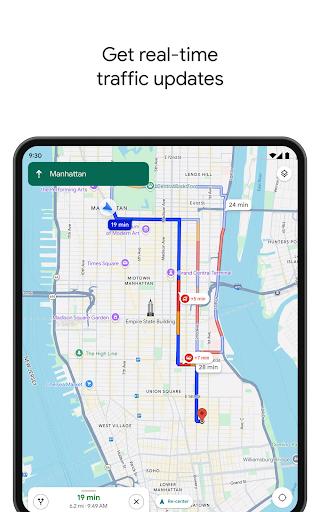
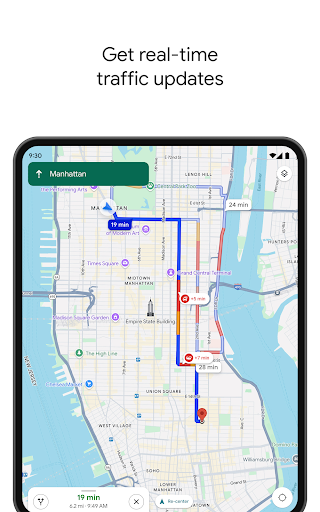
Live traffic and incident reports: Displays congestion, accidents, and road closures with live updates to optimize arrival times. Traffic estimates adjust dynamically based on current conditions. 🕒
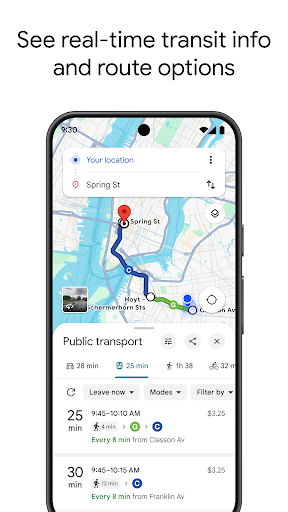
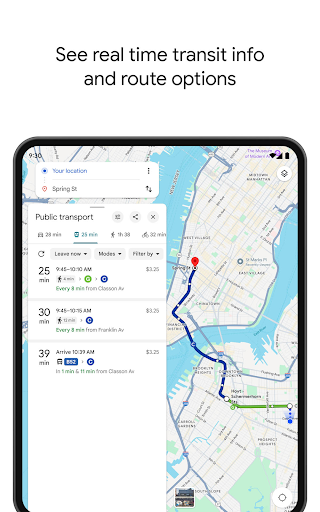
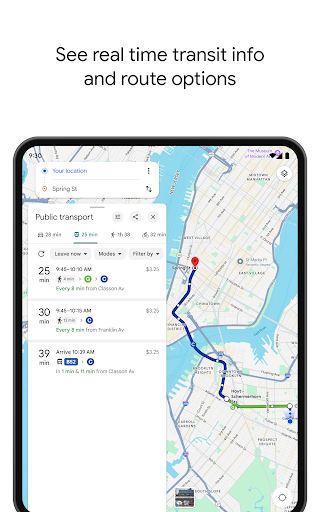
Public transit schedules and directions: Shows transit lines, schedules, and step-by-step transit directions for buses, trains, and subways. Includes walking directions to and from stops for full-route planning. 🚆
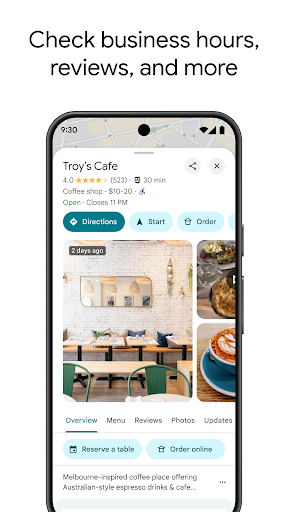
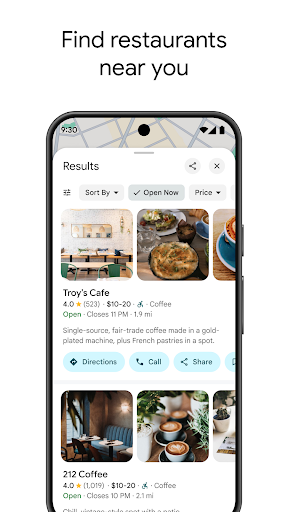
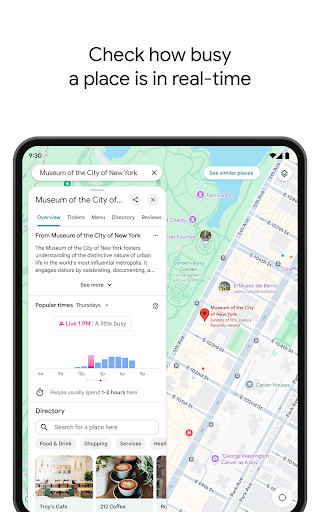
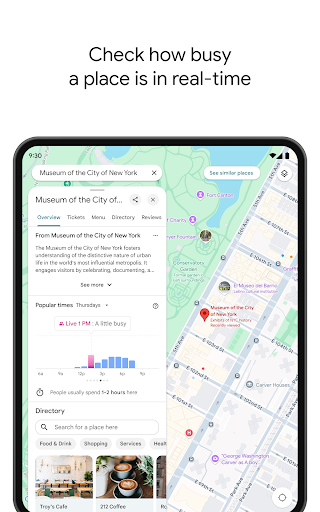
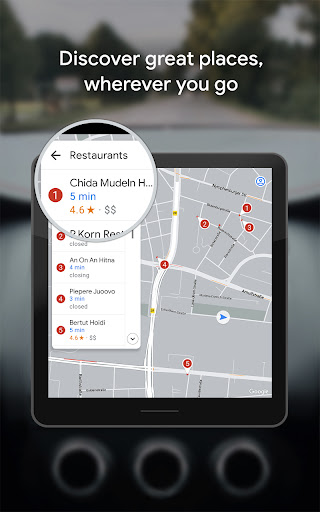
Local business listings and reviews: Integrates business hours, contact details, photos, and user reviews for discovery and decision-making. Reservation and contact links are often available directly in the listing. 🏪
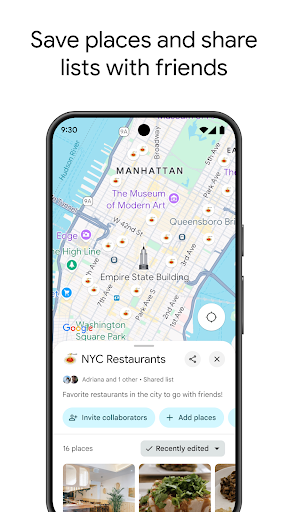
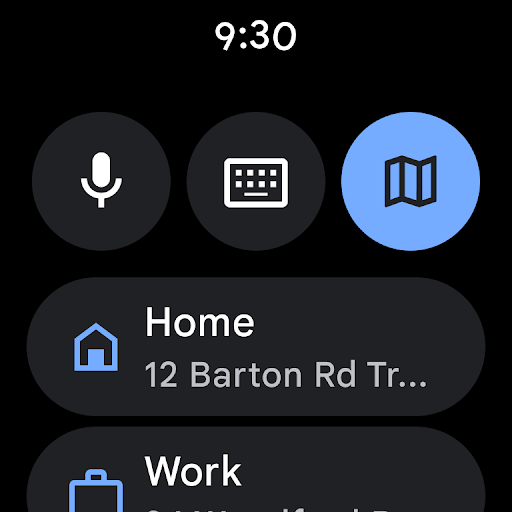
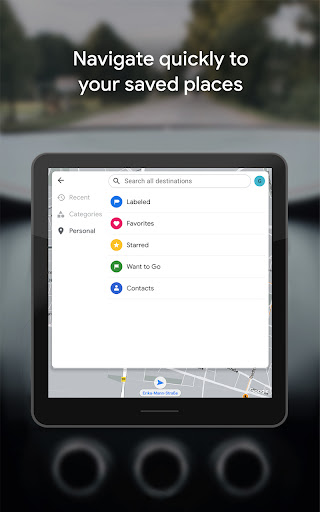
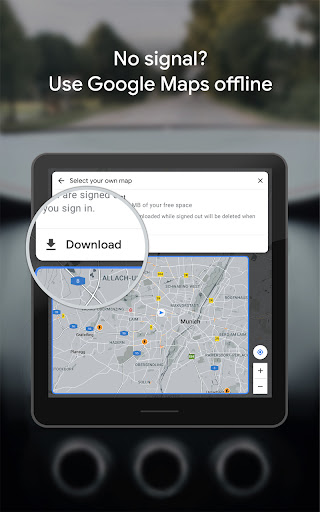
Offline maps and saved places: Allows downloading map areas for offline use and saving favorite locations for quick access. Saved places sync across devices when signed into a Google account. 📥
👍🏼 Pros
Comprehensive coverage: Extensive mapping coverage across cities and rural areas in the US with frequent data updates. Reliable for both urban navigation and long road trips. ⭐
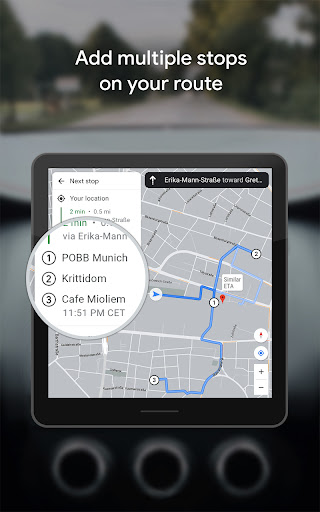
Accurate routing and ETA: Robust routing engine provides competitive ETA predictions and alternative routes to avoid delays. Works well for multi-stop trips and real-time reroutes. ✅
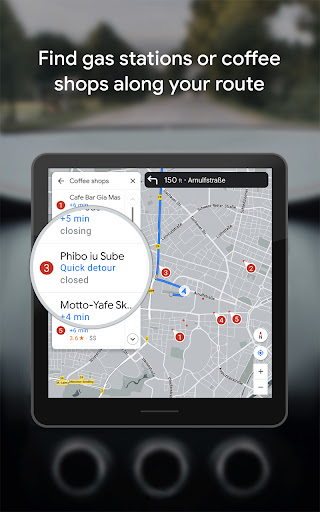
Integrated local info: Business details, photos, menus, and user reviews help find and evaluate nearby services. Integration with Search and Maps makes discovery fast and actionable. 📸
Hands-free and voice navigation: Smooth voice-guided directions and integration with car systems enable safer driving. Supports voice search for destinations and commands while en route. 🔊
Cross-platform sync: Saved places, history, and directions sync across Android, iOS, and web when signed in. Quick access to recent searches and saved lists speeds up planning. 🔁
👎🏼 Cons
Privacy and data collection: Extensive location tracking and data collection occur when location services and history are enabled. Review account privacy settings to limit data sharing. 🔒
Battery and data use: Continuous GPS and live updates can drain battery and consume mobile data on longer trips. Offline maps mitigate data usage but do not eliminate battery impact. 🔋
Occasional map inaccuracies: Minor road alignment errors or outdated business info can appear in less-maintained areas. Reporting tools help improve maps but fixes can take time. ❗
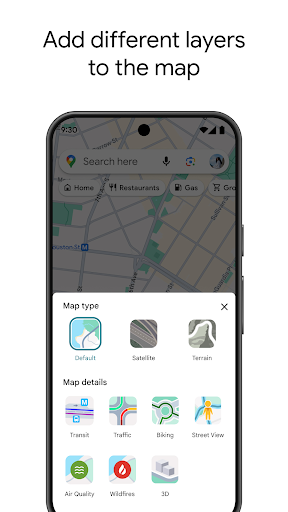
Cluttered interface at times: Pop-ups, promoted places, and suggestions can crowd the map view in dense urban areas. Hiding layers helps, but some users may find the UI busy. 📢
Limited offline functionality: Offline maps allow navigation but lack full live traffic, real-time transit updates, and some local business features. Online mode still needed for best experience. 🗺️
💰 Prices
Free to download and use for consumers with core features available at no charge. Some features require signing into a Google account and location permissions. Developers and businesses using the Google Maps Platform may incur API fees for high-volume or advanced integrations.
Similar Apps