Google Messages
Screenshots
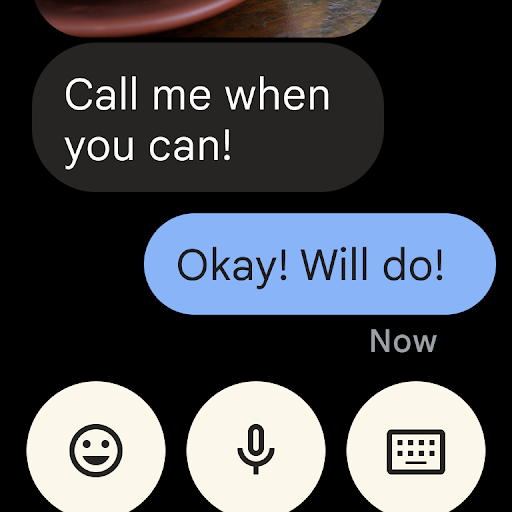
What is Google Messages
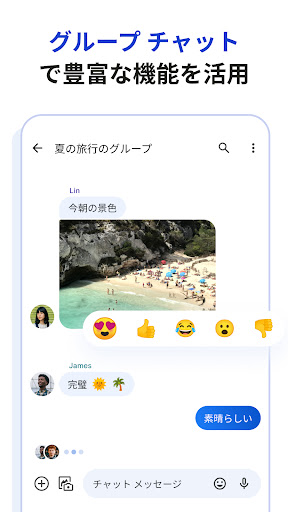
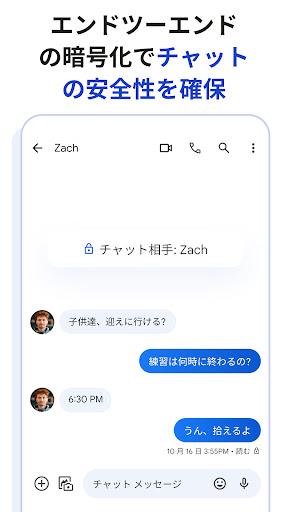
Google Messages delivers modern texting with RCS upgrades, clean design, and tight integration across Android and web. Download now to upgrade messaging with read receipts, group chat, and rich media sharing backed by Google's tools.📌 Core Features
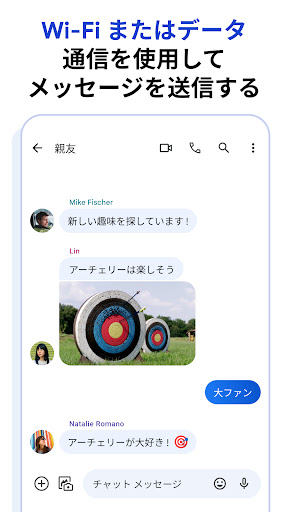
RCS messaging: Rich Communication Services enables read receipts, typing indicators, and higher-quality media for compatible carriers and phones. Works over Wi-Fi or mobile data for a modern SMS experience. 📡
SMS and MMS fallback: Auto-fallback to standard SMS/MMS ensures texts reach recipients who lack RCS, keeping conversations seamless across devices. Messages handles legacy connections without user intervention. 💬
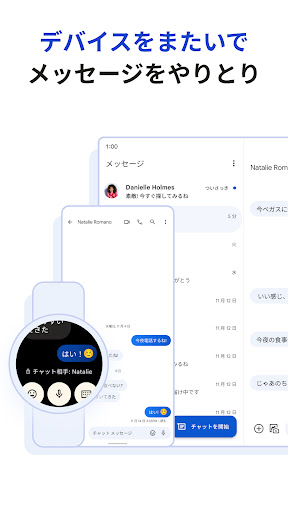
Messages for web: Sync conversations to a browser for fast typing and media transfers from a desktop. Connect via QR code and stay linked across sessions. 🌐
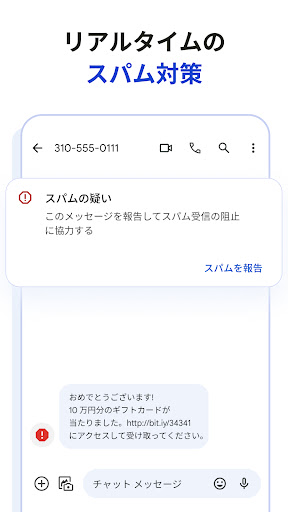
Spam protection and verification: Built-in spam filtering, verified SMS, and reporting tools cut down on unwanted messages while flagging business senders. Some checks use cloud services to detect scams. 🛡️
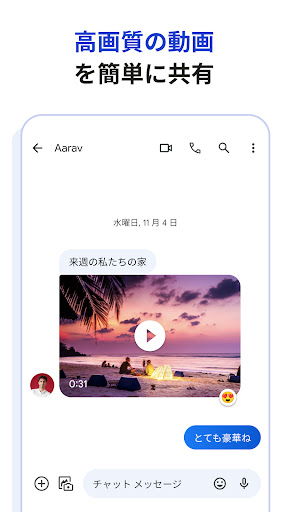
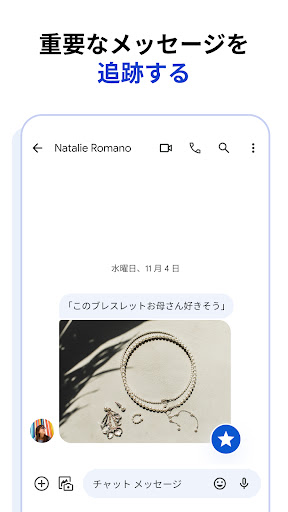
Media sharing and search: Send high-resolution photos, videos, audio, and location with easy inline previews and thread search to find attachments fast. Smart suggestions and emoji predictions speed up replies. 📎
👍🏼 Pros
Modern RCS features: Read receipts, typing indicators, and richer media bring Android messaging up to date for supported carriers and devices. Upgrade conversations for clearer interactions. 🚀
Clean, fast UI: Minimal interface with quick access to attachments, search, and settings speeds messaging on daily use. Performance remains snappy on most Android phones. ⚡
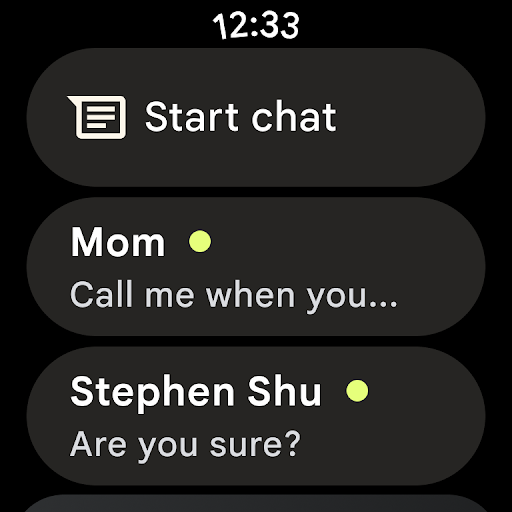
Cross-device access: Messages for web syncs threads to a desktop browser for seamless desktop messaging and file transfers. Great for multitasking and productivity. 🖥️
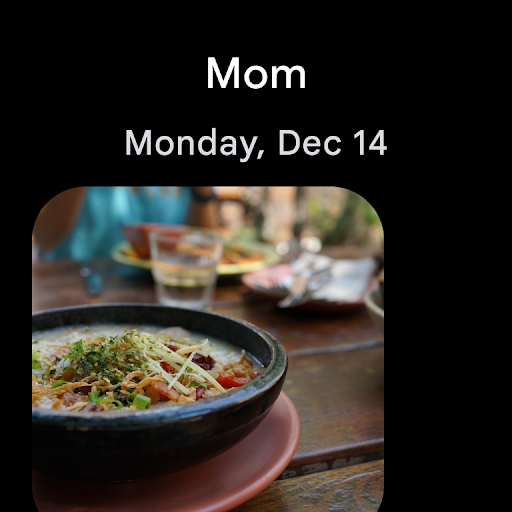
High-quality media: Send larger photos and videos than typical MMS, with inline previews and easy sharing. Keeps media crisp across compatible chats. 🖼️
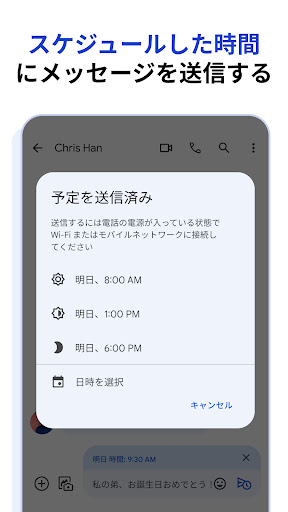
Smart features: Built-in smart replies, message scheduling, and reminders speed up communication and reduce friction. Practical automations save time every day. 🤖
👎🏼 Cons
RCS adoption gaps: RCS capability depends on carrier and recipient support, so features can be inconsistent across contacts and regions. That can fragment the experience between enhanced and plain SMS. 🔌
iPhone compatibility: Messages falls back to SMS when chatting with iPhone users, so feature parity with iMessage is limited across platforms. Rich features often remain Android-only. 🍏
Privacy trade-offs: Some features use cloud processing for spam filtering and verification, which means message metadata may be handled by Google's services if enabled. Users should review settings and permissions. 🔒
Backup and transfer limits: Conversation backup relies on Google account and Drive for history, so transfers between accounts or platforms can be imperfect. Restores may miss attachments if not configured correctly. ☁️
Occasional sync issues: Messages for web or RCS synchronization can sometimes drop messages or require reconnection, causing brief interruptions. Re-linking the device usually fixes the problem but can frustrate heavy users. 🐞
💰 Prices
Google Messages is free to download and use with no subscription fees. Standard carrier SMS/MMS charges apply when messaging non-RCS contacts, and data fees may apply for RCS or large media over mobile networks. Some advanced features require a Google account and optional cloud services for backups.
Similar Apps