TV Cast: RokuTV Remote Control
Screenshots
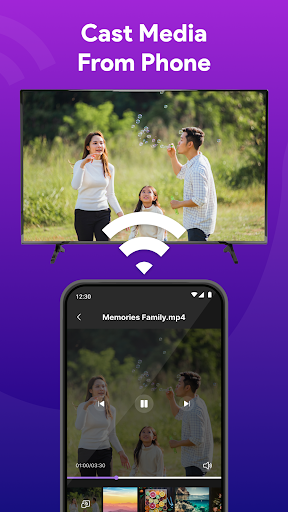
Features of TV Cast: RokuTV Remote Control
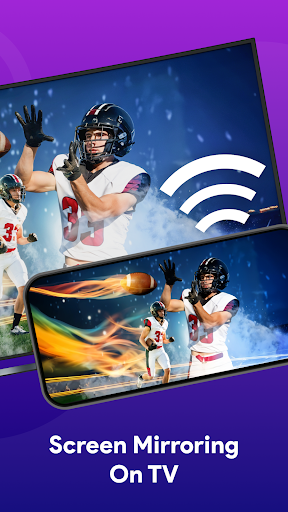
Seamless Screen Mirroring
TV Cast: RokuTV Remote Control enables users to easily mirror their mobile screen to a Roku TV. This feature allows you to share photos, videos, and apps from your device directly to a larger display, creating an interactive viewing experience. Whether for media or presentations, it enhances connectivity.
User-Friendly Interface
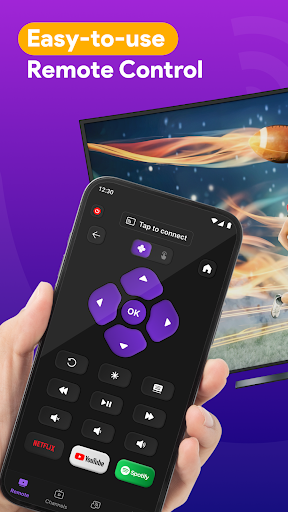
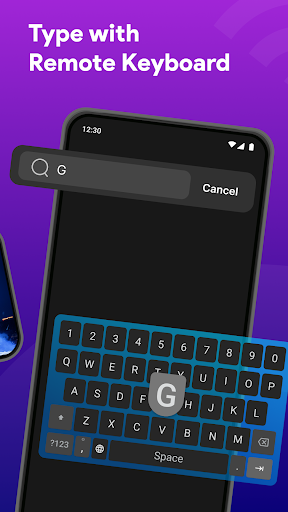
The app boasts an intuitive interface that simplifies navigation for users of all skill levels. Its layout is designed for quick access to essential functions, ensuring speedy operation. This streamlined design makes it easy for everyone to control their Roku devices without any hassle.
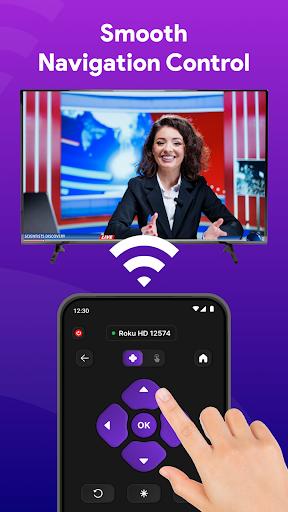
Universal Remote Functionality
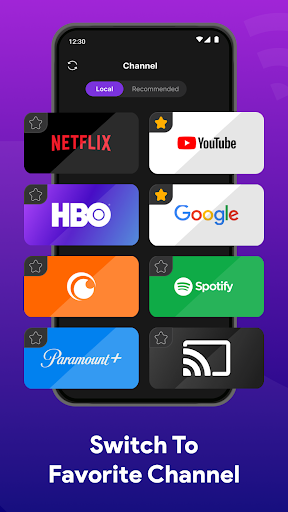
With TV Cast, you can use your smartphone as a universal remote control for your Roku TV. This feature allows you to manage playback, adjust volume, and switch channels, providing convenience and eliminating the need for physical remotes, making your TV experience more efficient.