
PlayStation App
Screenshots
What is PlayStation App
PlayStation App delivers fast access to the PlayStation ecosystem with friends, messages, and the PlayStation Store in a compact mobile experience. Download and get connected to the PSN community, launch remote play, and manage game libraries with high-energy convenience.
📌 Core Features
Remote Play: Stream PS5 and PS4 games to compatible phones and tablets with controller support via Bluetooth or virtual controls. Performance depends on local network speed and device capability. 🎮
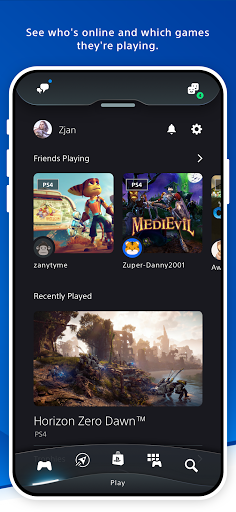
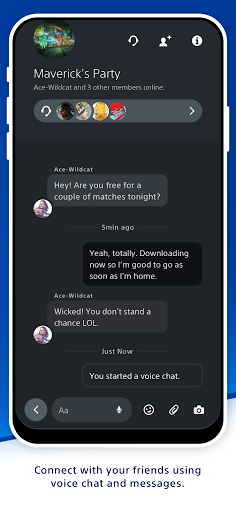
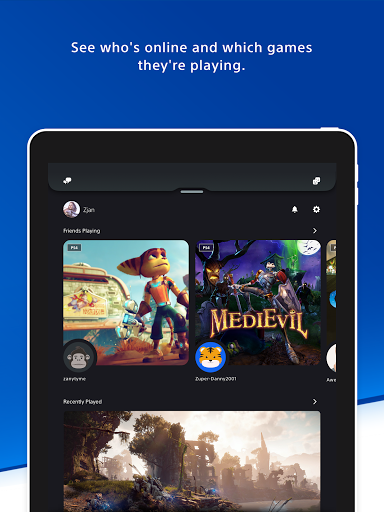
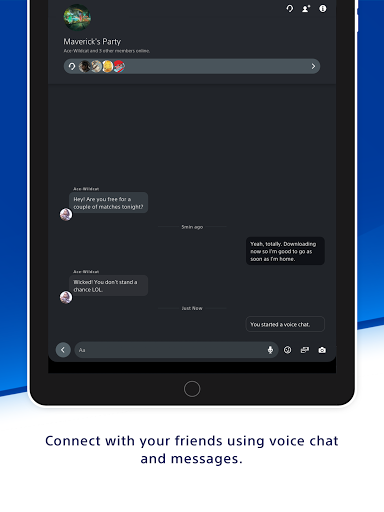
Friends & Messaging: View friends, send messages, and join parties to stay social across platforms. Push notifications keep players informed about invites and activity. 🗨️
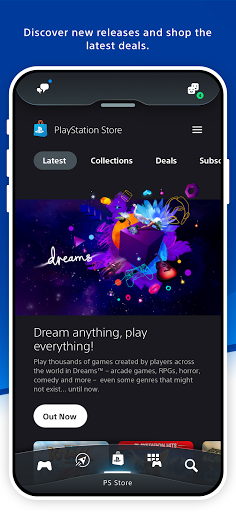
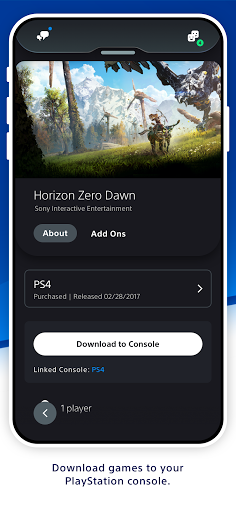
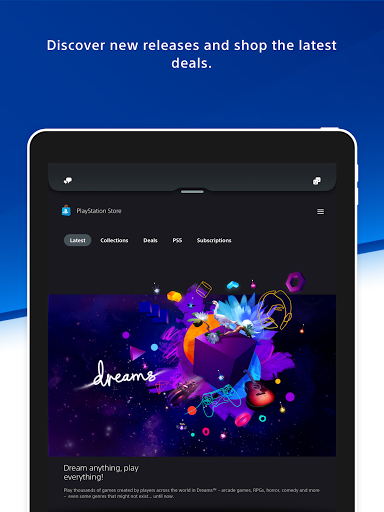
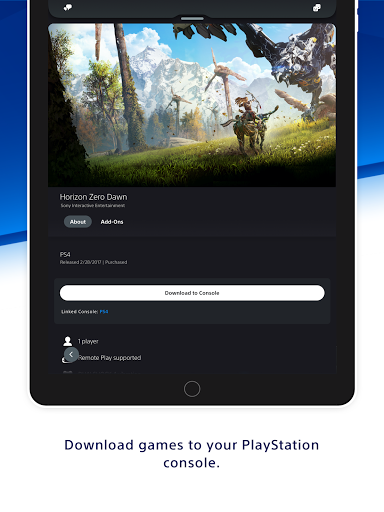
PS Store Integration: Browse, buy, and pre-order games and DLC directly from the app with secure checkout and instant library updates. Purchased content can be queued to download on console remotely. 🛒
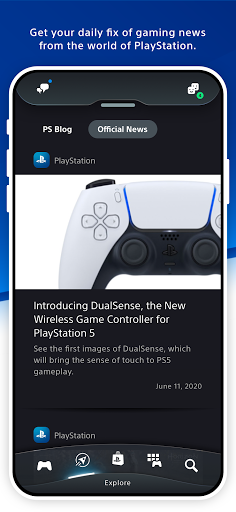
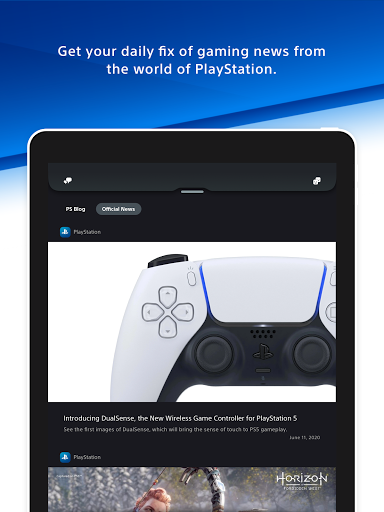
Notifications & Game Alerts: Receive real-time alerts for game launches, friend activity, and system updates to never miss a moment. Notification settings are adjustable for tailored alerts. 🔔
Profile, Trophies & Activity: Check profiles, trophy progress, and recent activity feeds to track achievements and compare with friends. The social feed highlights trending gameplay and shareable clips. 🏆
👍🏼 Pros
Free to Download: The app is available at no charge on iOS and Android, making it easy to join the PlayStation network from mobile. Core features like messaging and store browsing are accessible without subscription. ⚡
Quick Friend Management: Fast access to friend lists, party invites, and messaging speeds up multiplayer setup and coordination. That reduces friction for jump-in sessions with friends. 📱
Remote Console Control: Power on consoles, manage downloads, and start remote play sessions without booting the TV. Remote library management keeps consoles ready for play. 🔌
Seamless Store Purchases: Quick checkout for games, add-ons, and pre-orders with options to start downloads to console instantly. Mobile purchases sync with the console library for immediate access. 💳
Trophy Tracking & Social Feed: Real-time trophy updates and activity streams make it simple to follow friends and discover new titles. Shareable clips and screenshots add social engagement. ⭐
👎🏼 Cons
PSN Account Required: A PlayStation Network account is mandatory to use the app, which adds an account setup step for new users. Two-factor authentication may be required for security. 🔒
PS Plus Needed for Some Features: Online multiplayer and cloud saves often require PS Plus, meaning some conveniences come with extra subscription cost. Feature availability varies by tier and region. 💸
Connection Reliability: Remote Play and party chat depend heavily on network quality, so lag and drops can occur on unstable Wi-Fi or mobile data. Performance may be inconsistent in congested networks. 📶
Limited In-App Chat Features: In-app voice and text chat are functional but lack some of the customization and moderation tools found on console. Long messaging sessions can feel clunkier on mobile keyboards. ⌨️
Data and Privacy Considerations: The app collects account, device, and usage data to enable features and personalization, which may concern privacy-minded users. Permissions for microphone and storage are required for chat and media sharing. 👀
💰 Prices
The PlayStation App is free to download on Android and iOS; browsing and account management incur no charge. PS Plus subscriptions unlock online multiplayer and cloud benefits in the US with plans starting at $9.99/month for Essential, $14.99/month for Extra, and $17.99/month for Premium, plus annual pricing options.
Similar Apps