Easy Scanner - PDF Maker
Screenshots
Features of Easy Scanner - PDF Maker
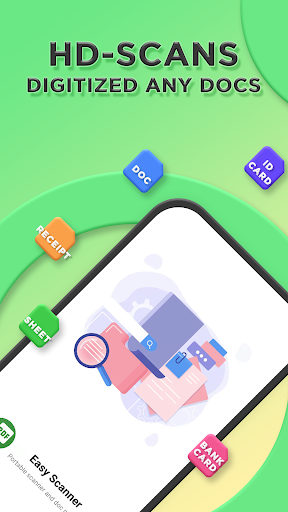
Quickly digitize documents
Use the camera on the device to scan and digitize various paper documents: notes, meeting minutes, receipts, notes, invoices, whiteboards, business cards, certificates, etc.
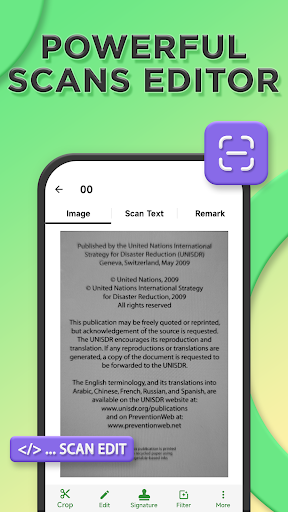
Optimize scan quality
The intelligent clipping and automatic enhancement function can ensure that the text and graphics in the scan are clear and clear, and have high-definition colors and resolutions.
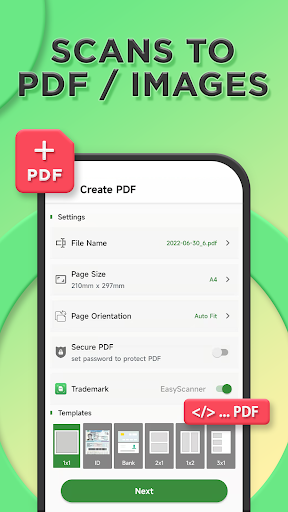
Scan to PDF/Image
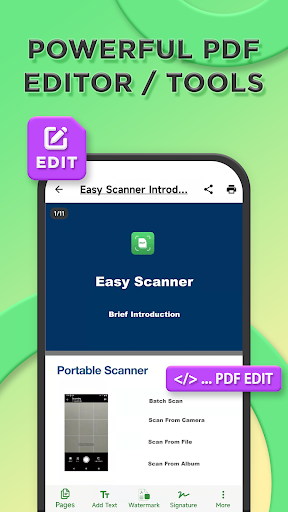
Easily create PDF, share or print, add text, watermark, mosaic, graffiti, etc
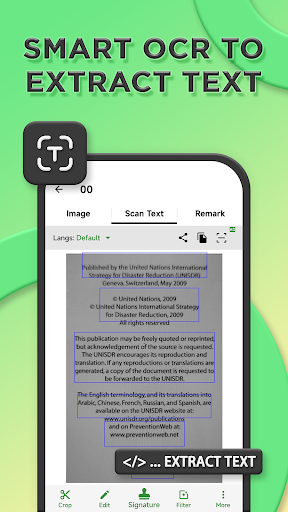
Extract text from scan / PDF
Optical character recognition (OCR) enables you to recognize text in images. You can extract text for later searching, editing, or sharing.
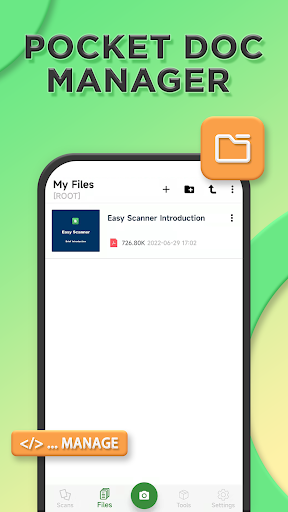
Portable filing cabinet
Safely and easily manage and protect your important files, including application locks, file dedicated storage, and other functions, to ensure your files are safe and private.
Tips
📃 Search full texts in a snap.
Search your scanned copies and documents through keywords, find the information you want quickly, and retrieve the information more conveniently and efficiently. You can even search for any document on your phone, supporting PDF, Word, Excel, PPT, and so on.
🚀 The editing tools have never been so powerful.
It is easy to edit the scanned copy, add text, watermark, mosaic, texture, signature, etc. Of course, you can also draw freely on it. There is also a powerful PDF toolbox in the APP, which can be converted into images, clipping, signatures, printing, merging, etc.