
Microsoft Edge
Screenshots
What is Microsoft Edge
Microsoft Edge: AI browser brings fast Chromium-based browsing with built-in AI tools and tight Windows integration. Users get instant summaries, smart search, and privacy controls designed for modern workflows. Download now to boost browsing speed and productivity.📌 Core Features
Fast, secure engine: Chromium-based core provides rapid page loads and smooth tab management, with frequent security updates to stay current. Optimizations reduce lag during heavy browsing sessions. 🚀
Integrated AI Copilot: Built-in AI delivers on-page summaries, context-aware answers, and conversational search to speed up research and decisions. Copilot tools streamline tasks without switching apps. 🤖
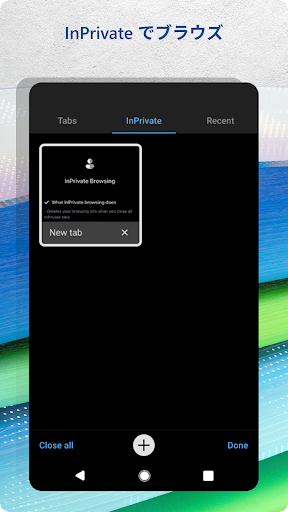
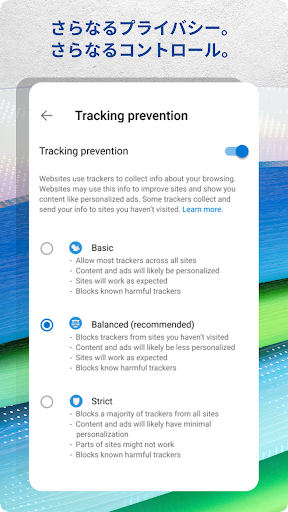
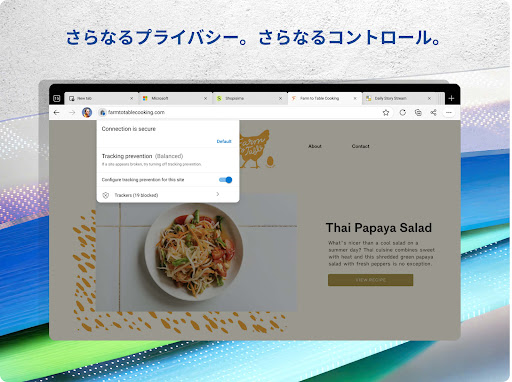
Privacy and tracking prevention: Multiple tracking prevention levels and clear privacy controls help limit cross-site tracking while browsing. Clear privacy settings allow tailored protection for different sites. 🔒
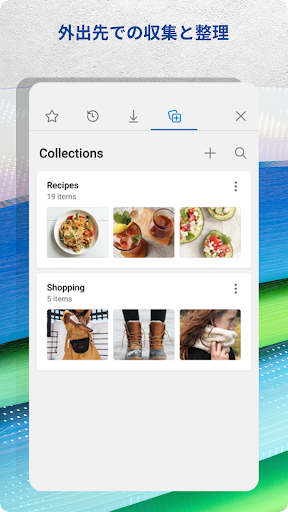
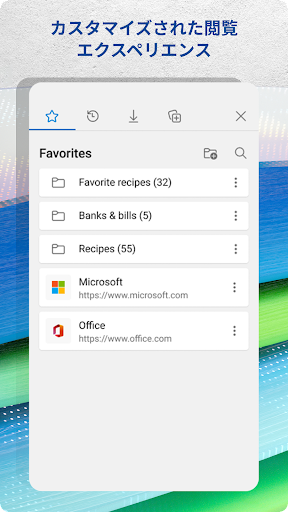
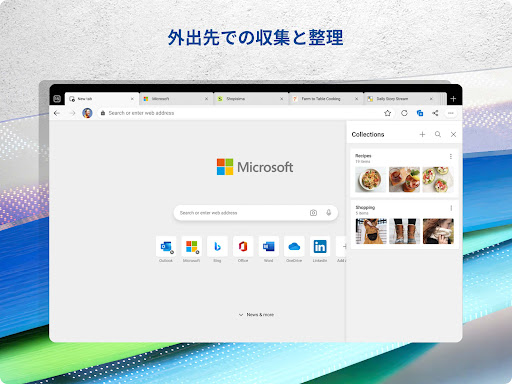
Collections and productivity: Collections, notes, and side-by-side views organize research and save time when building lists or presentations. Syncing with Microsoft 365 content boosts workflow continuity. 📚
Cross-device sync: Seamless sync of bookmarks, passwords, extensions, and tabs across Windows, macOS, iOS, and Android keeps browsing consistent. Profile and account syncing speed setup on new devices. 🔁
👍🏼 Pros
Speed and responsiveness: Page rendering and tab performance are competitive with other Chromium browsers, reducing load times on modern hardware. Fast startup and smooth scrolling help maintain momentum. ⚡
Powerful AI features: On-page summaries, smart search, and chat-backed answers surface information fast and cut down research time. AI assists with drafting, summarizing, and extracting key points. 🧠
Deep Windows integration: Native hooks into Windows and Microsoft services provide seamless sign-in, single sign-on, and document handling. Integration enhances productivity for Microsoft 365 users. 🪟
Strong privacy controls: Granular tracking prevention and clear privacy toggles make it simple to limit data sharing. Regular security patches help protect against web threats. 🛡️
Wide extension support: Access to the Chrome Web Store and Microsoft Store extensions offers broad customization and functionality. Extension compatibility supports both productivity and entertainment needs. 🔌
👎🏼 Cons
Telemetry and data sharing: Some diagnostic and usage data may be sent to Microsoft unless settings are adjusted, which may concern privacy-focused users. Review privacy settings during setup to reduce sharing. ⚠️
AI feature gating: Advanced AI capabilities sometimes require a Microsoft account and may be limited without a subscription or specific service access. Expect some features to be behind Copilot or Microsoft 365 tiers. 💳
Memory usage: Multiple tabs and AI processes can consume significant RAM, impacting older or low-memory systems. Close unused tabs or use sleeping tabs to mitigate resource drain. 🧠
Prompts to change defaults: Frequent prompts to set Edge as the default browser or to sign in can be intrusive for users who prefer minimal setup interruptions. These prompts aim to increase integration but may annoy some users. 🔔
Occasional site quirks: Rare rendering or compatibility quirks can appear on niche sites optimized for other browsers, requiring extension tweaks or user agent changes. Most mainstream sites work smoothly, but edge cases exist. 🧩
💰 Prices
Microsoft Edge is free to download and use across Windows, macOS, iOS, and Android, with core browsing and many AI features available at no charge. A Microsoft account enhances sync and some AI experiences without additional cost. Advanced Copilot features or premium integrations may require a Microsoft 365 subscription or Copilot+ plan for full access. Enterprise deployments and additional management features are available through Microsoft 365 for Business licensing.