Grammarly - Grammar Keyboard
Screenshots
What is Grammarly - Grammar Keyboard
Grammarly - Grammar Keyboard brings advanced writing assistance directly to mobile typing with fast, accurate corrections and suggestions. Polish messages, emails, and social posts with confident, error-free text and type smarter today.
📌 Core Features
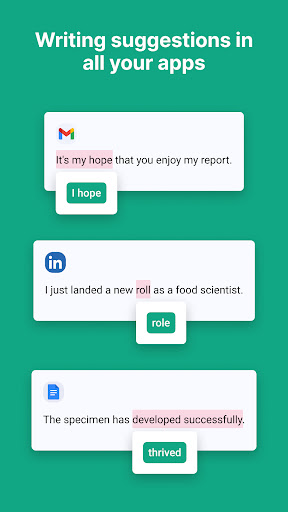
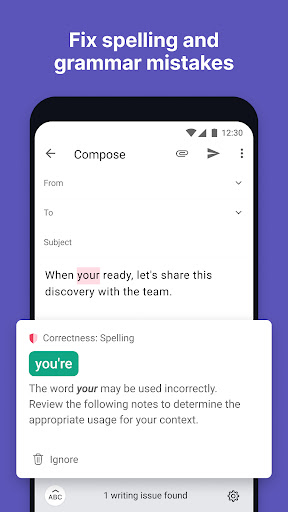
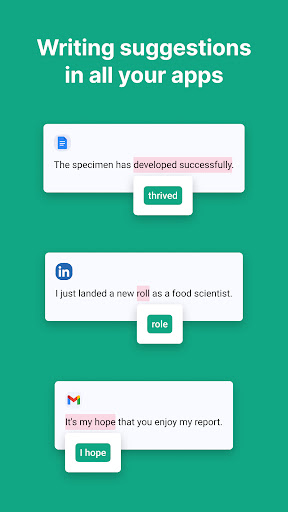
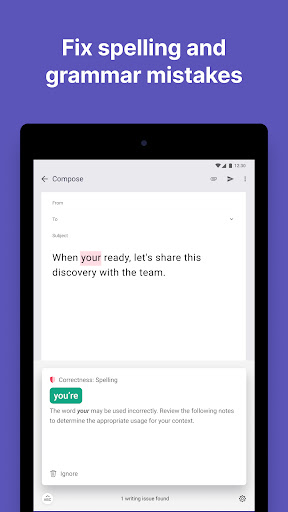
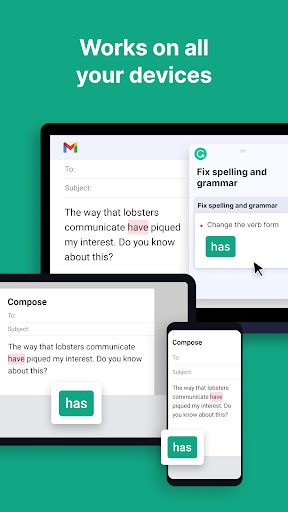
Real-time grammar and spelling: Corrects grammar, spelling, and punctuation as typing occurs across apps. Suggestions are concise and explain issues to improve clarity. ✅
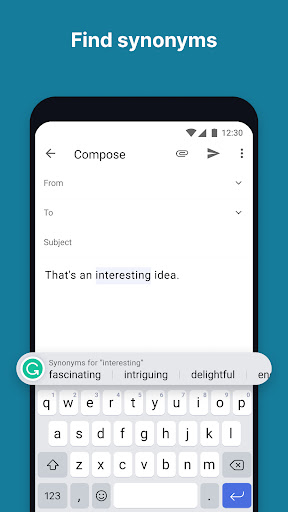
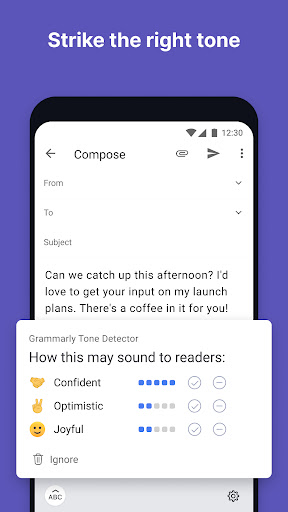
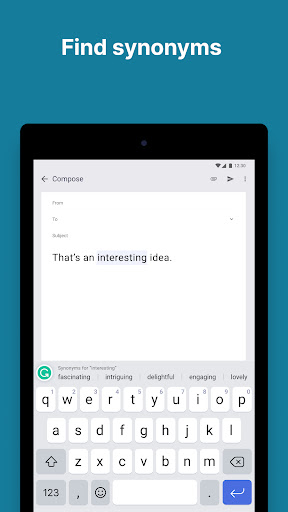
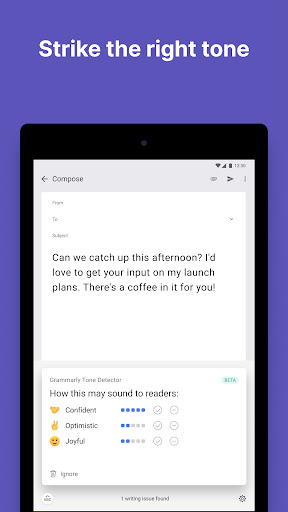
Contextual vocabulary and tone suggestions: Recommends word choices and tone adjustments to match audience and intent. Enhances professionalism or friendliness depending on settings. ✨
Privacy-focused typing: Offers local processing for basic checks and clear privacy controls for uploaded text. Enterprise-grade security features available for paid plans. 🔒
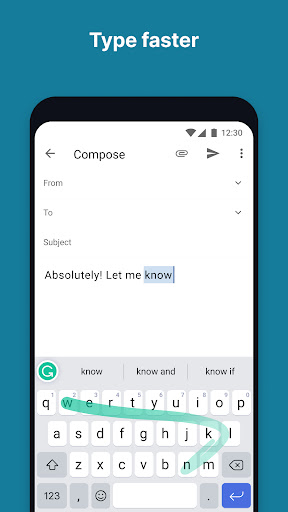
Seamless keyboard integration: Works inside messaging, email, and social apps with an intuitive keyboard overlay. Fast autocorrect and swipe support keep typing fluid. ⚡
Multiplatform syncing and history: Syncs suggestions and saved phrases across devices via account sign-in. Access past corrections and custom dictionary entries on any device. 📚
👍🏼 Pros
Improves accuracy instantly: Reduces typos and grammar mistakes in real-time for clearer communication. Great for fast workflows and high-pressure messaging. 🌟
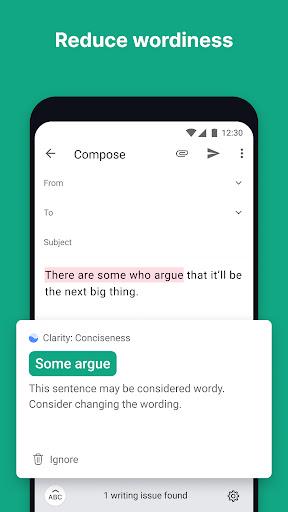
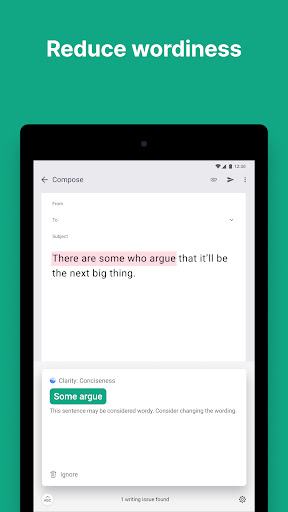
Boosts writing quality: Offers tone and clarity suggestions that elevate professional and casual writing. Helps craft concise, persuasive messages quickly. ⏱️
Easy setup and use: Quick keyboard install and straightforward onboarding get users typing with guidance right away. Minimal learning curve for maximum impact. 🎯
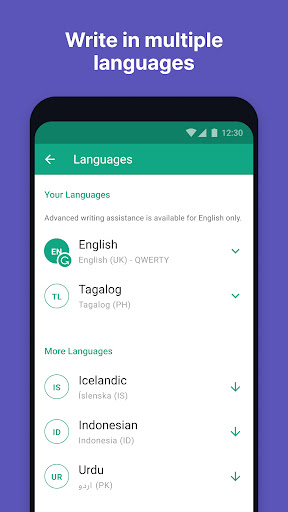
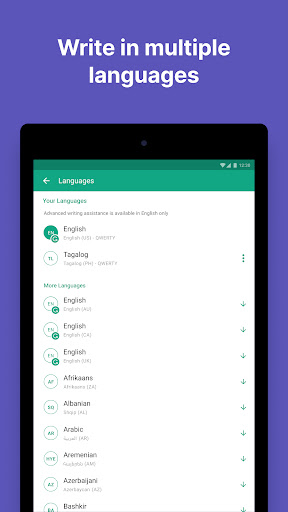
Customizable preferences: Allows personalization of writing goals, language variants, and shortcut entries. Adapts to individual voice and industry needs. 🧠
Free tier covers basics: Core spelling and grammar checks are available without subscription for casual users. Premium features are optional for heavier use. 💬
👎🏼 Cons
Cloud processing for premium features: Advanced checks route text through servers, raising privacy questions for sensitive content. Enterprise controls exist but may not satisfy all users. ⚠️
Premium subscription cost: Full feature access requires a paid plan that can be costly for casual users. Monthly billing options are pricier than annual commitments. 💸
Occasional overcorrections: Suggestions can change style or alter intended voice, requiring manual review. Blind acceptance may lead to awkward phrasing. 🔁
Performance impact on older devices: Real-time analysis can slow typing or increase battery use on older phones. Background syncing may add delays between edits. ⌛
Account required for syncing: Full feature set and history syncing need account sign-in, adding setup steps and potential data linking. Users seeking fully anonymous use may be limited. 🧾
💰 Prices
Free tier provides basic grammar and spelling checks at no cost. Premium starts around $12 per month billed annually or about $30 per month for month-to-month billing, and Business plans begin near $15 per user per month billed annually. Choose a plan and start typing smarter today.