Google Slides
Screenshots

What is Google Slides
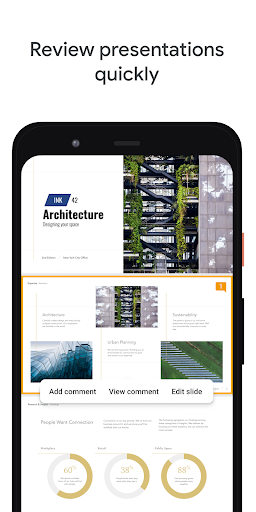
Google Slides delivers fast, cloud-based slide creation with seamless sharing and cross-device editing for US users ready to present with impact. High-energy collaboration and easy templates make building professional presentations simple and immediate, so download Google Slides and get started today.
📌 Core Features
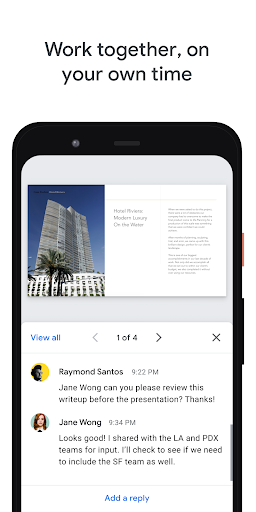
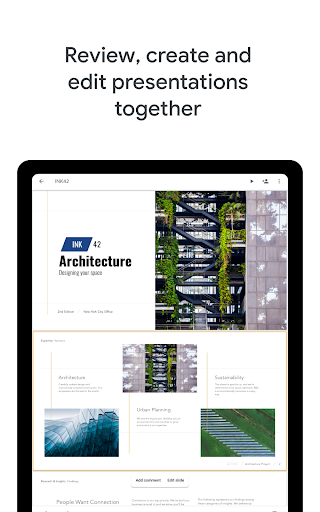
Real-time collaboration: Multiple people can edit slides simultaneously with live cursors and comments for instant feedback. Changes sync across devices in seconds to keep teams aligned and productive 🤝
Cloud storage and autosave: Slides are saved automatically to Google Drive to prevent data loss and enable easy access from any device. Storage integrates with Drive quotas and supports quick file sharing and version history ☁️
Templates and themes: A broad library of templates and themes speeds up slide design for business, education, and personal use. Customizable layouts and easy theme editing keep decks consistent and visually appealing 🎨
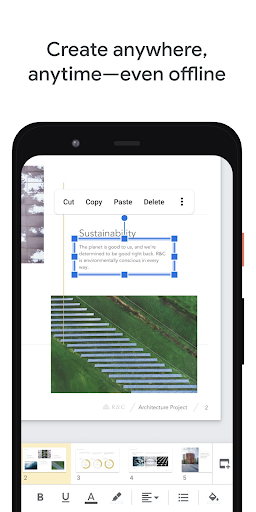
Mobile and offline access: Native Android and iOS apps provide full editing on the go and offer offline mode for flights or spotty Wi-Fi. Offline edits sync when the device reconnects so presentations stay current across platforms 📱
Integration with Google ecosystem: Deep integration with Google Docs, Sheets, Drive, and Meet allows importing data and presenting directly in video calls. Add charts, linked spreadsheets, and live data without losing formatting 🔗
👍🏼 Pros
Easy collaboration and sharing: Sharing is simple via links and granular permissions, enabling quick distribution to colleagues and clients. Real-time editing reduces version conflicts and accelerates teamwork ⚡
Free with a Google account: No cost for basic editing and collaboration with unlimited viewers and editors, making it budget-friendly for individuals. Paid Workspace tiers add admin controls for teams and business use 💸
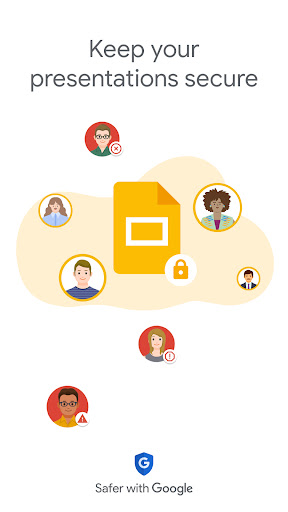
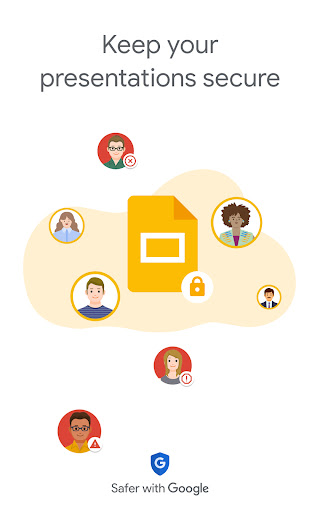
Strong security controls: Built-in security includes two-step verification, enforced access controls, and admin management for Workspace accounts. Data encryption in transit and at rest helps protect sensitive presentations 🔒
Cross-platform consistency: Presentations render consistently across desktop, mobile, and web, minimizing formatting surprises. Native apps and browser editing keep workflows unified across devices 🌐
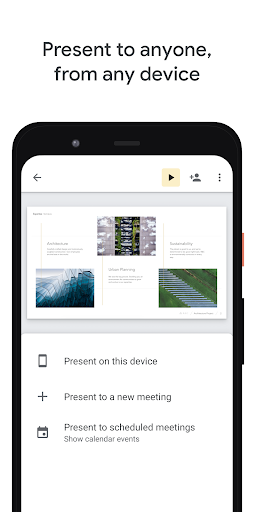
Direct Meet presenting and export options: Present directly to Google Meet and export to PowerPoint or PDF for broad compatibility. Embed slides in websites or share view links for smooth audience delivery ✅
👎🏼 Cons
Offline editing limitations: Offline mode is available but some advanced features and add-ons may be unavailable without internet. Unexpected sync conflicts can occur when reconnecting in complex edits 📶
Limited advanced animation and transitions: Animations and transition options are less advanced than desktop-only tools, limiting cinematic presentation effects. Complex motion paths or detailed animation timing may require third-party tools or PowerPoint export 🎞
Formatting gaps with PowerPoint: Importing from or exporting to PowerPoint can introduce formatting shifts, especially with custom fonts and layouts. Rework may be needed for precisely formatted corporate templates 🔁
Privacy and data use considerations: Data is processed by Google services and is subject to Google privacy policies, which may concern privacy-focused organizations. Workspace admins can enforce controls, but review of sharing settings is recommended ⚠️
Storage limits for free accounts: Free users share Google Drive storage across services, which can fill up with large media-rich presentations. Upgrading to a paid Workspace or purchasing extra Drive storage may be necessary for heavy users 🧾
💰 Prices
Google Slides is free for personal use with a Google account, including basic editing, sharing, and Drive storage up to the account quota. Business-ready features come via Google Workspace plans starting at about $6 per user per month with higher tiers at $12 and $18 per user per month and enterprise pricing available for large organizations.
Similar Apps