
AI Video - AI Video Generator
Screenshots

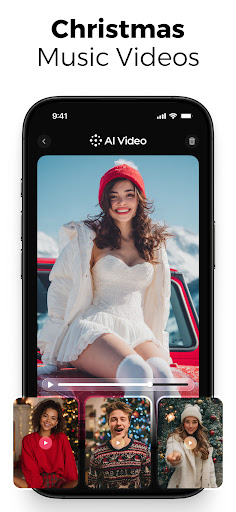
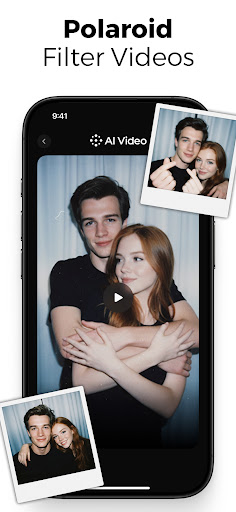
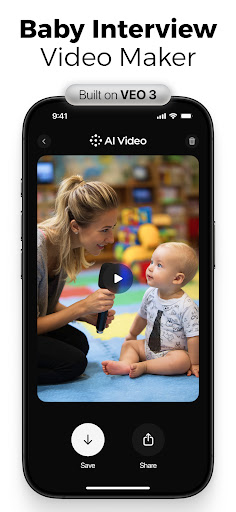
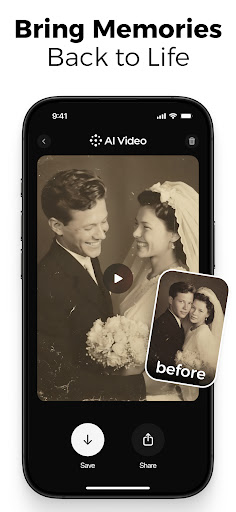
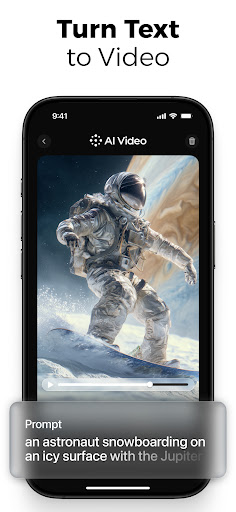
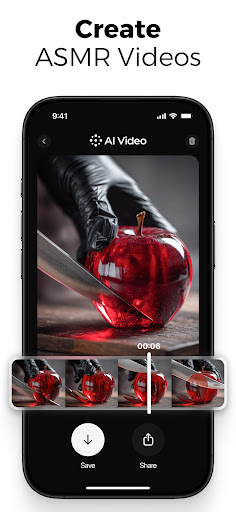
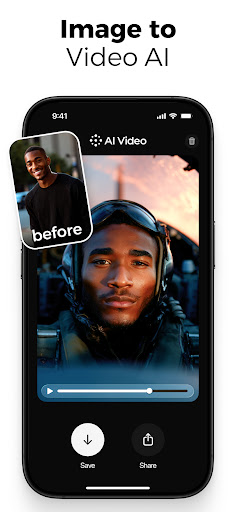
What is AI Video - AI Video Generator
Launch professional-looking videos fast with AI Video - AI Video Generator. Designed for creators, marketers, and small teams in the US, this app turns text prompts and simple scripts into polished clips using templates and automated tools. Act now to accelerate video production and boost engagement.📌 Core Features
Text-to-Video: Convert scripts or short prompts into complete video sequences in minutes with automated scene generation and timing. Options for scene pacing and shot length streamline the process. 🎯
Templates & Styles: Library of industry-oriented templates for ads, social posts, and presentations accelerates creative decisions. Preset styles ensure consistent branding across videos. 🎬
AI Voice & Lip-sync: Built-in AI voiceovers and lip-sync handle narration from text with multiple voice options and accents. Background music can be auto-balanced for clarity. 🗣️
Scene Editor & Trimming: Simple timeline and trimming tools enable quick adjustments to clips, transitions, and overlay text without steep learning curves. Keyframe-like controls allow basic motion tweaks. ✂️
Export Options & Cloud Processing: Exports in common resolutions and aspect ratios for social platforms with quick cloud rendering and direct uploads. Cloud processing speeds up creation but requires upload of media and prompts. 🚀
👍🏼 Pros
Easy Workflow: Drag-and-drop elements and guided prompts make video creation accessible to beginners and non-editors. Templates reduce setup time and keep output professional. ✅
Fast Generation: AI-driven rendering produces drafts in minutes, enabling rapid iteration for campaigns and social posts. Turnaround is ideal for tight deadlines. ⚡
High-Quality Outputs: Outputs are crisp at standard resolutions with polished voiceovers and smooth transitions for most use cases. Quality scales with subscription level for higher-res exports. 🔍
Extensive Template Library: Ready-made templates for ads, tutorials, and social content cover common marketing needs. Templates cut production time significantly. 📚
Mobile-Friendly: Mobile app and responsive interface allow on-the-go edits and uploads directly from a phone. Good for creators who film and publish from mobile devices. 📱
👎🏼 Cons
Watermark on Free: The free tier typically adds a watermark to exports, which limits professional use without upgrading. Removing the watermark requires a paid plan. ⚠️
Subscription Cost: Premium tiers add monthly fees for higher resolution, longer exports, and commercial licenses, which can add up for teams. Budget planning is advised for frequent creators. 💸
Occasional Artifacts: AI-generated scenes can show occasional visual artifacts or awkward cuts that need manual fixing. Some fine-tuning in the editor may be required for flawless results. 🧩
Privacy - Cloud Processing: Cloud-based rendering requires uploading footage and prompts to remote servers, so review the privacy policy for data retention and model-training options. Compliance checks are recommended for sensitive content. 🔒
Limited Fine-Grained Control: Advanced editors may find detailed frame-by-frame control and complex effects lacking compared to desktop NLEs. Best suited for rapid content rather than heavy post-production. 🛠️
💰 Prices
Free tier available with limited exports, basic templates, and a watermark; good for testing and casual use. Pro plans often start around $9.99 per month with higher-resolution exports, extended runtime, and commercial use rights, with discounts for annual billing. Business tiers typically run near $29.99 per month per seat for team features and priority processing. Enterprise or custom licensing and on-premise options may be available for large organizations seeking SLAs and dedicated support.
Similar Apps