
Speedtest by Ookla
Screenshots
What is Speedtest by Ookla
Verify internet speeds and troubleshoot connectivity with Speedtest by Ookla, the go-to app for quick, reliable network measurements. Download now to test download and upload rates, check latency, and share results with ISPs or tech support in seconds.
📌 Core Features
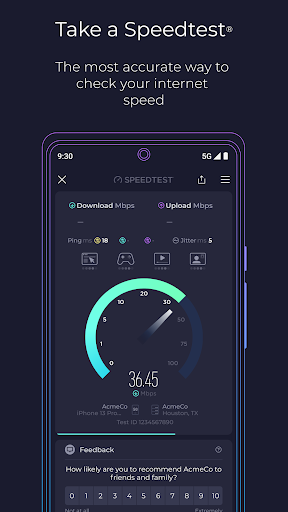
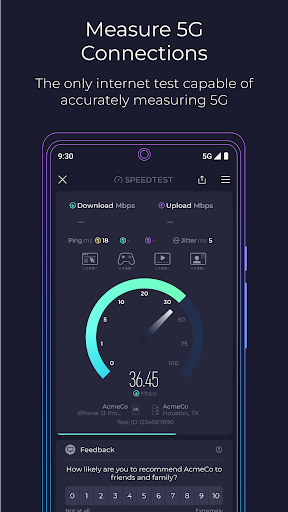
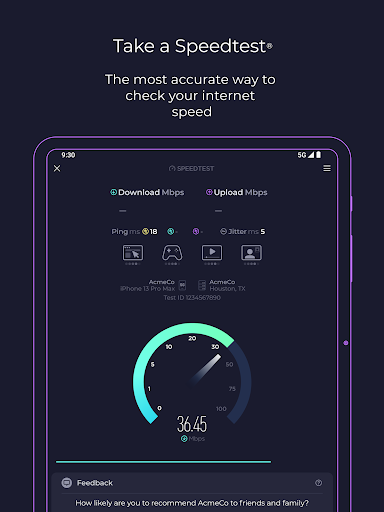
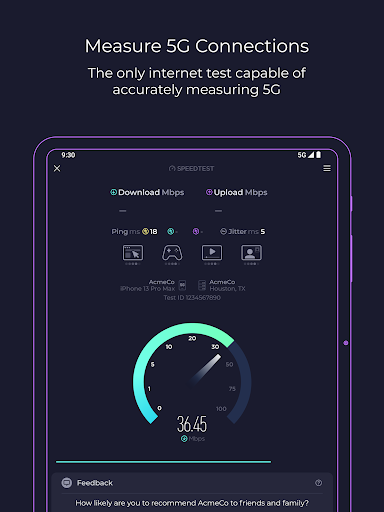
Real-time speed tests: Measure download, upload, and ping with single-tap tests that reflect current network conditions. Results display clear Mbps and millisecond metrics for immediate assessment. ⚡
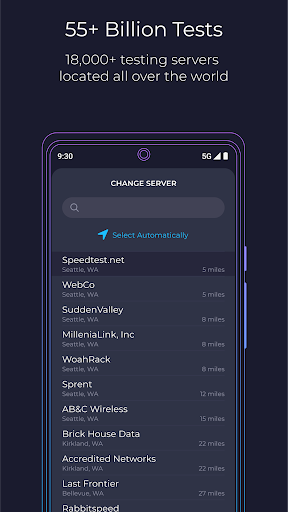
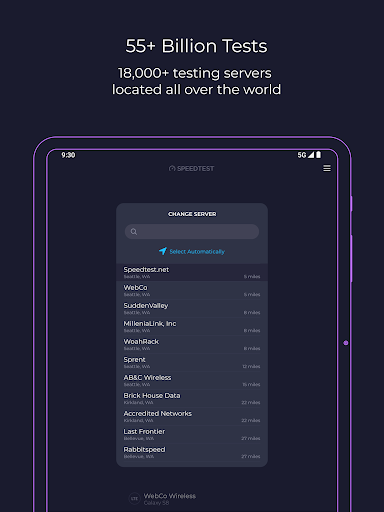
Global server network: Select from thousands of test servers worldwide or let automatic selection choose the nearest server for representative results. Server choice helps compare ISP routing and regional performance differences. 🌍
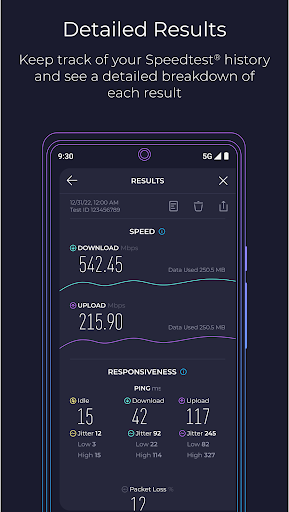
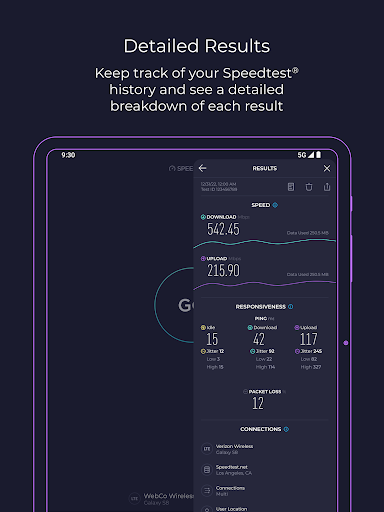
Advanced metrics and diagnostics: View jitter, packet loss, and connection consistency to diagnose quality issues beyond raw throughput. Advanced charts and connection types help pinpoint intermittent problems. 📊
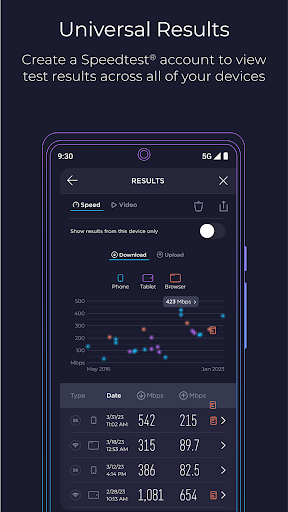
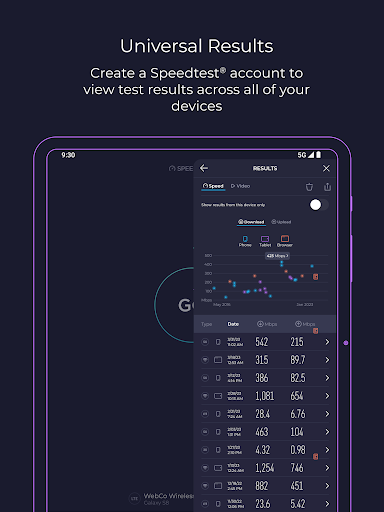
Historical results and sharing: Save past tests, compare trends over time, and export or share results directly for ISP reports or support requests. Result history makes it easy to demonstrate persistent issues. 🗂️
Cross-platform apps and widgets: Available on iOS, Android, desktop, and as a web tool with home-screen widgets for quick checks. Platform parity keeps testing consistent across devices and locations. 📱
👍🏼 Pros
Fast and easy: One-button tests deliver clear diagnostics in under a minute for nontechnical users and tech teams alike. Quick results make it simple to decide next steps during outages or slowdowns. ✅
High accuracy with large server pool: Extensive server coverage and mature measurement methodology yield dependable comparisons between ISPs and locations. Consistent testing methodology supports fair side-by-side comparisons. 🎯
Great for troubleshooting: Latency, jitter, and packet loss metrics provide actionable data for support tickets and router or modem adjustments. Direct sharing streamlines communication with service providers. 🛠️
Free core functionality: Basic testing capabilities are available at no cost, covering most consumer needs without subscription barriers. The free tier is sufficient for occasional verification and quick checks. 💸
Trusted brand and ecosystem: Widely recognized by ISPs, publications, and technical teams which aids in credibility when reporting issues. Broad adoption improves consistency of expectations across users. 🏷️
👎🏼 Cons
Ads and upsell prompts: Free versions include ads and frequent prompts to upgrade, which can interrupt the testing flow. Upsell messaging encourages subscriptions for an ad-free experience. 📢
Advanced features behind paywall: Continuous monitoring, higher-frequency testing, and some diagnostic exports are reserved for paid tiers or Speedtest Premium. Power users and businesses may find subscriptions necessary for full visibility. 🔐
Results affected by device and network load: Local device limitations, background apps, and Wi-Fi interference can skew results away from ISP-provided speeds. Interpreting tests requires controlling for local variables to avoid false conclusions. 📶
Privacy and data collection: Location, IP, and device information are collected to run tests and select servers, which may concern privacy-focused users. Review privacy settings and policy before sharing detailed reports. 🔎
Not a full diagnostic suite: The app identifies symptoms like slow throughput or high latency but does not fix routing, DNS, or modem configuration issues automatically. Follow-up tools or provider support are often required for resolution. 🧭
💰 Prices
Speedtest is free to download and use for single tests and basic history, supported by ads and in-app offers. Paid upgrades and Speedtest Premium options remove ads, enable advanced monitoring, and unlock pro diagnostic tools; pricing and subscription tiers vary by platform and region in the US.
Similar Apps