Smart TV Cast: Screen Share
Screenshots
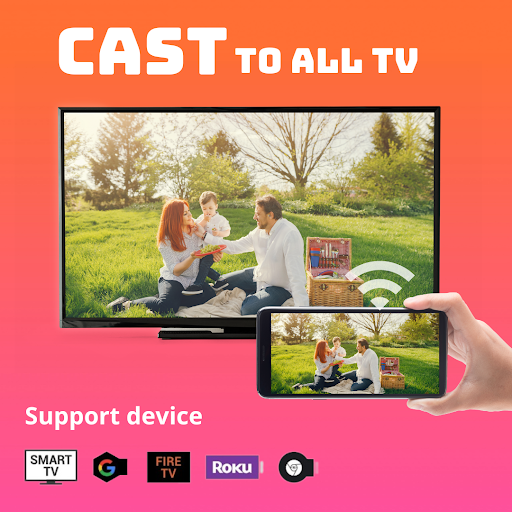
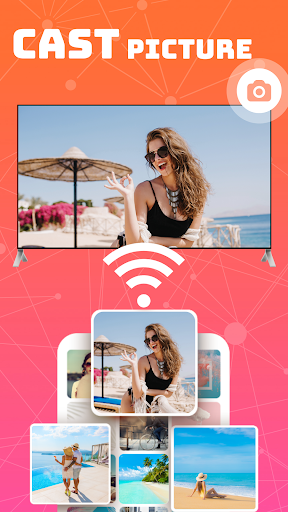
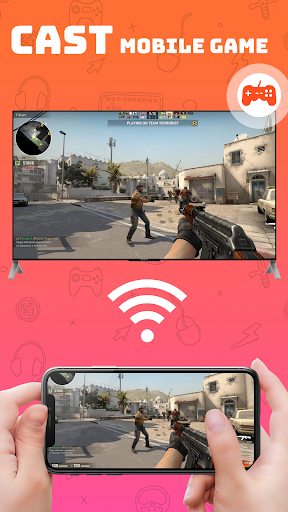
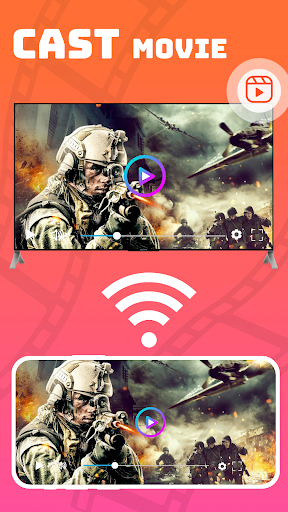
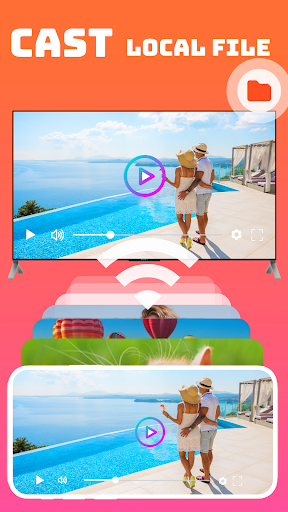
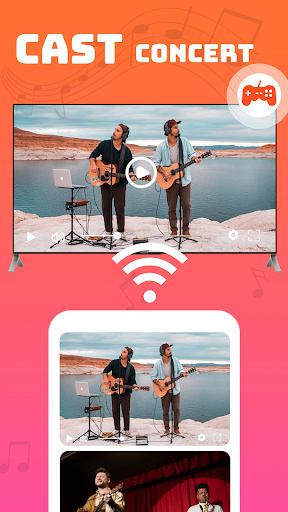
Features of Smart TV Cast: Screen Share
Easy Screen Mirroring
With Screen Mirroring: Cast to TV, you can effortlessly mirror your Android screen to your TV. Just a few taps and your favorite videos, photos, and games will be displayed on the big screen. Say goodbye to tiny phone screens and enjoy the full immersive experience on your TV.
Wireless Connection
Forget about messy cables and complicated setups. This app allows you to connect your Android device to your TV wirelessly. Whether you want to stream videos or share presentations, Screen Mirroring: Cast to TV makes it seamless and convenient, leaving you more time to enjoy your content.
Real-time Screen Sharing
With Screen Mirroring: Cast to TV, you can share your screen in real time with your friends, family, or colleagues. Whether you want to show off your vacation photos or collaborate on a project, this app enables you to have a shared viewing experience, making communication and collaboration easier than ever.
Tips
📺 Multiple device support is available.
Both Chromecast, Roku, Roku Stick, and Roku TV, as well as most Smart TVs, Xbox, Fire TV, Fire Stick, and other DLNA receivers, are supported by the Screen Mirroring app and will work fine. Among them, smart TVs include:
- Hisense.
- Samsung
- LG
- Sony
- Panasonic
- TLC
- Toshiba
FAQ
How to cast the screen to TV?
- Make sure your TV supports a wireless display.
^ Make your TV and mobile phone connected to the same WI-FI network.
^ Run the smart view Cast to TV and Screen Mirroring apps.
^ Finish casting the screen.
Similar Apps