All Document Reader - PDF Edit
Screenshots

Features of All Document Reader - PDF Edit
User-Friendly Interface
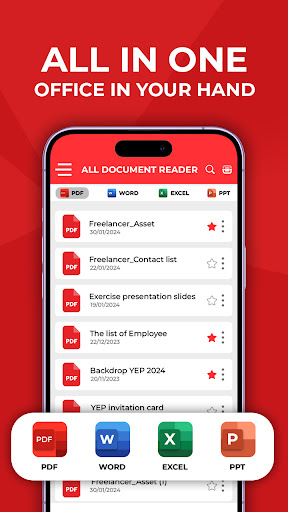
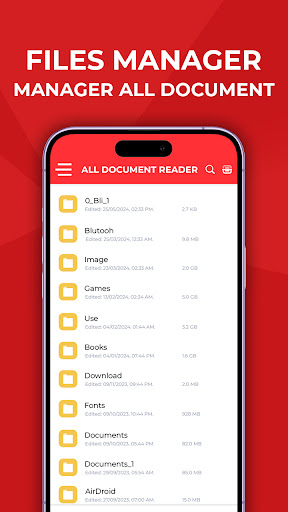
The All Document Reader features a clean and intuitive interface that makes navigating through your documents straightforward. Users can easily access their files and utilize various tools without getting lost in complicated menus, enhancing overall accessibility.
Multi-Format Support
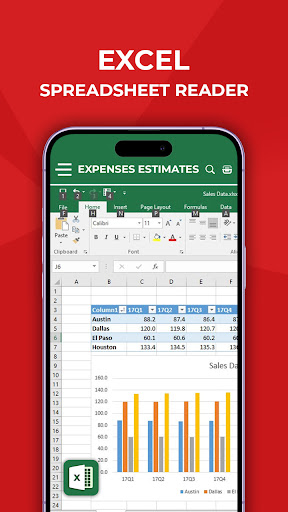
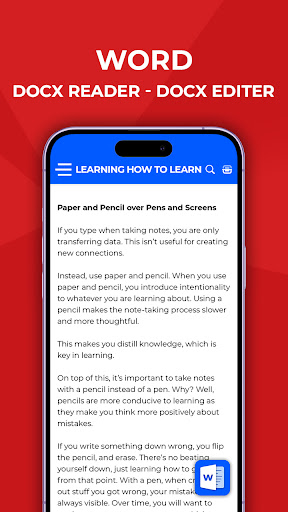
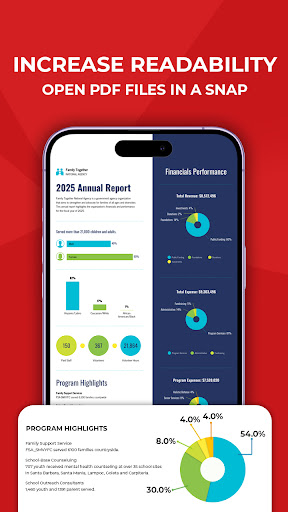
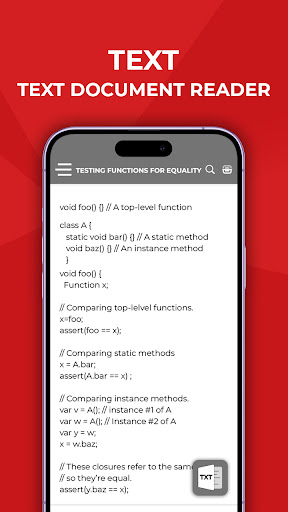
This app supports a wide range of file formats, allowing users to open and read PDFs, Word documents, and more. This versatility ensures that you can manage your documents all in one place, without the need for multiple different apps.
Annotation and Editing Tools
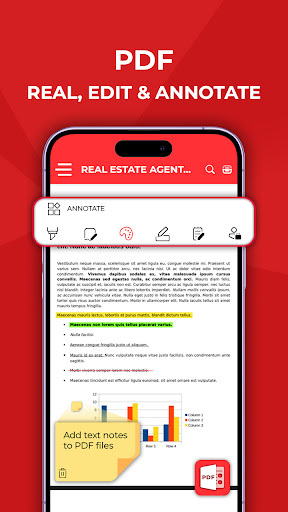
All Document Reader includes a set of useful annotation and editing tools, enabling users to highlight text, add notes, and make adjustments directly within their documents. This feature is particularly valuable for students and professionals who need to review and collaborate on files efficiently.