PDF Pro: Edit, Sign & Fill PDF
Screenshots
Features of PDF Pro: Edit, Sign & Fill PDF
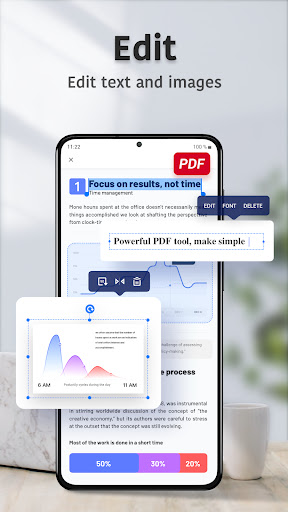
Easy Editing
You can achieve fast document editing on PDF Reader Pro. Whether you want to insert images, edit text, replace text, or merge files, you can do it all in PDF Reader Pro at once.
Format Conversion & File Management
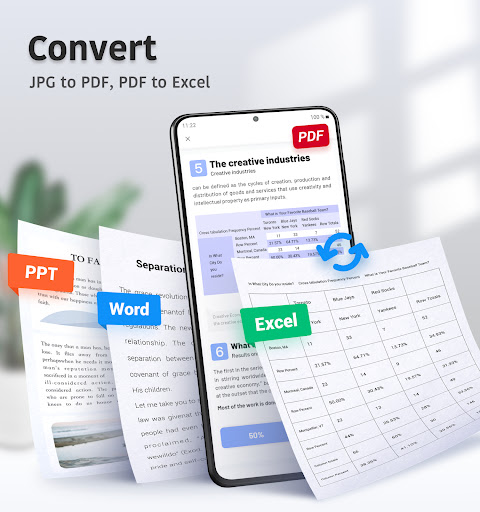
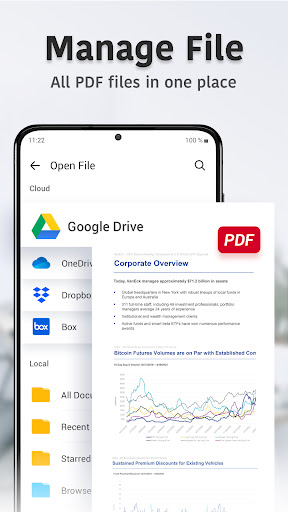
You can use PDF Reader Pro to convert PDF files to any other formats, such as Word, Excel, or PowerPoint, and vice versa. And you can also quickly manage all your files, sort or star important content.
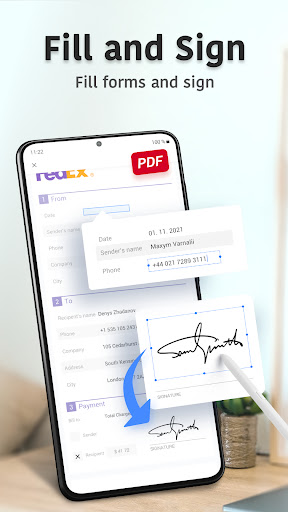
Scan Documents & Fill Out Forms
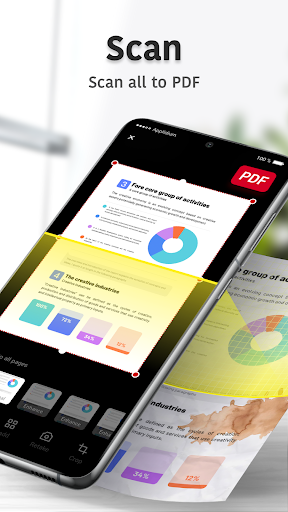
When you need to turn a paper version of a document into an electronic version, you can directly use PDF Reader Pro to scan and output to PDF, which is convenient and fast. You can also import forms into the app at any time to easily fill out contracts, application forms, etc.
Better Reading Experience
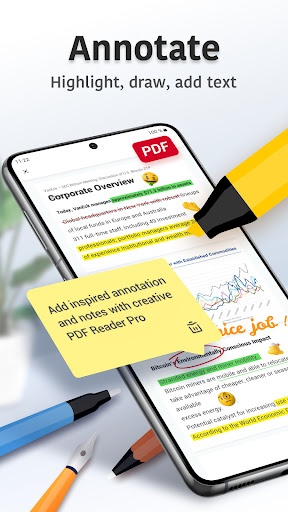
In addition to being able to edit documents freely, you can also read PDF files on PDF Reader Pro for free. You can also highlight text or draw underlines with a wide range of colors and styles of brushes. Make your reading more efficient.