
HP
Screenshots

What is HP
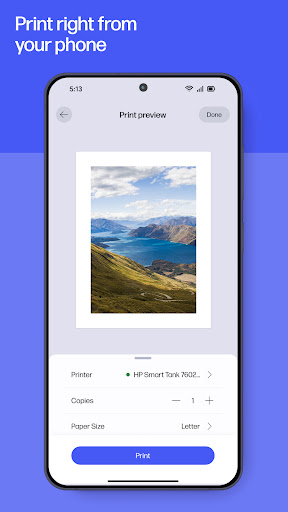
HP delivers seamless printer management and mobile productivity for home and office. Designed for US users, download now to set up printers, monitor supplies, and scan documents with speed and confidence.
📌 Core Features
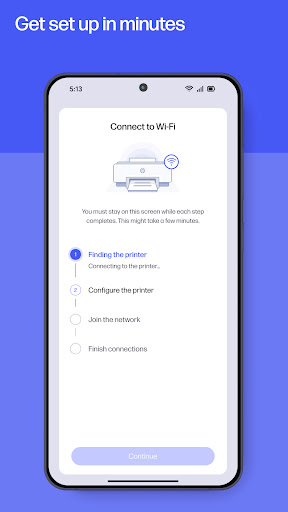
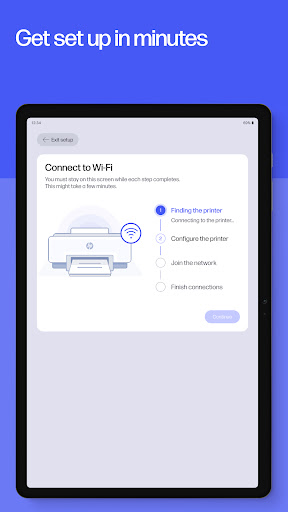
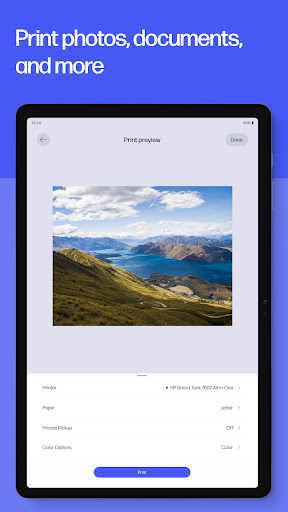
Easy Printer Setup: Connects to Wi-Fi and configures HP printers in minutes. Step-by-step guidance reduces setup friction and supports multiple models. 🖨️
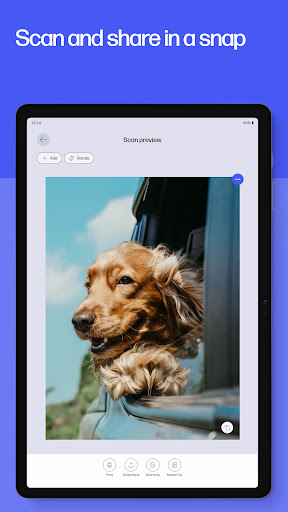
Mobile Scanning: Capture documents and convert to PDF or JPG with auto-crop and enhancement. Cloud upload options streamline sharing and backup. 📷
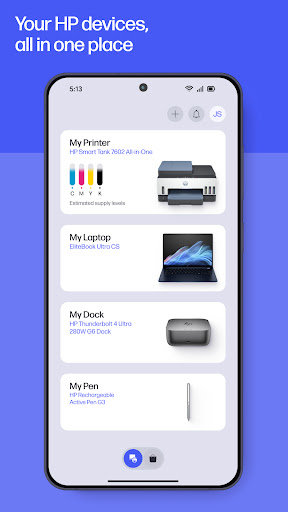
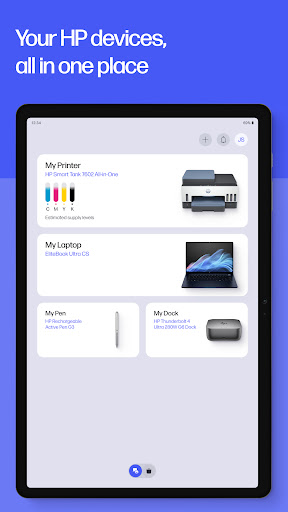
Ink & Toner Management: Real-time ink level monitoring with low-supply alerts and reorder links. Supports Instant Ink subscriptions for automated delivery. 🧾
Cloud & Smart Tasks: Save scans to popular cloud services and create automated print/scan workflows. Templates and presets speed repetitive tasks. ☁️
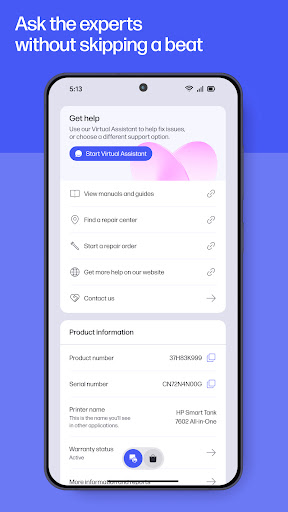
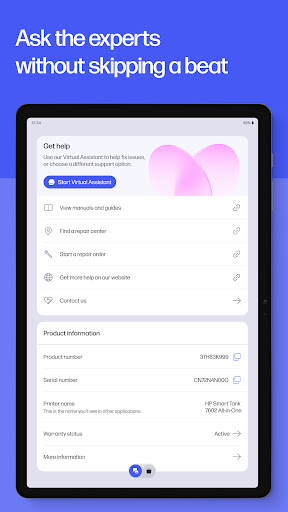
Device Tools & Support: Built-in troubleshooting guides, diagnostics, and firmware updates keep printers current. Remote assistance and direct support links simplify fixes. 🔧
👍🏼 Pros
Fast Setup and Pairing: Setup completes quickly with clear prompts and network detection. Ideal for users needing quick print access. ⚡
High-Quality Scans: Auto-enhancement yields sharp, legible scans suitable for documents and photos. OCR and multi-page support boost productivity. 📄
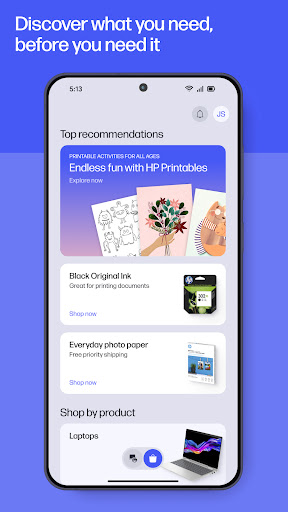
Integrated Ink Ordering: Direct ordering and subscription options reduce downtime from empty cartridges. Pricing transparency appears during purchase flow. 🛒
Broad Printer Support: Works with a wide range of HP models and many features adapt by model. Frequent firmware updates maintain compatibility. 🔁
Secure Printing Options: Offers PIN-secured release and encrypted communication for local and cloud jobs. Meets common privacy expectations for home and small office use. 🔒
👎🏼 Cons
Account Requirement: Some features require an HP account and sign-in which adds setup steps. Mandatory account sync may deter privacy-conscious users. 🔐
In-App Purchases for Ink: Best value features rely on Instant Ink subscriptions or in-app cartridge purchases. Extra costs can add up for heavy users. 💳
Occasional Connectivity Hiccups: Wi-Fi printers sometimes need network resets or re-authentication after router changes. Troubleshooting steps can be technical for casual users. ⚠️
Limited Third-Party Support: Advanced features often work only with HP-branded supplies and services. Non-HP cartridges and workflows may not be fully supported. 🚫
Data Collection for Diagnostics: App collects usage and diagnostic data to improve services and for support; opt-out options exist but may limit features. 📊
💰 Prices
Free to download with core features available at no charge and optional in-app purchases for cartridges and premium tools. Instant Ink subscription plans start around $0.99 per month for low-volume users and scale up to roughly $9.99 to $19.99 per month for higher page needs, with pay-as-you-go cartridge purchase options also available.