Google Photos
Screenshots




What is Google Photos
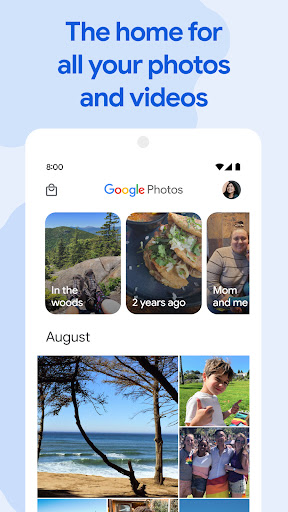
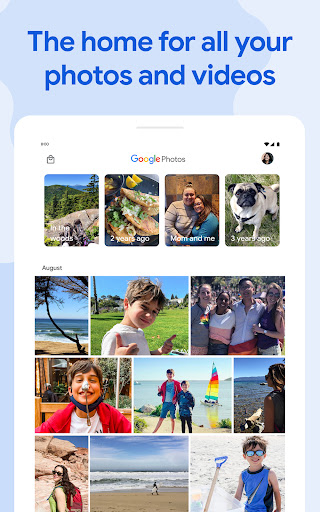
Google Photos organizes, backs up, and makes every photo searchable with fast AI-driven tools. Designed for U.S. users who want effortless backup, smart search, and instant sharing across devices. Tap download and start protecting and organizing memories now.
📌 Core Features
Automatic Backup: Photos and videos back up automatically to the linked Google Account with options for original quality or storage-saver mode to manage space. Backup schedules and Wi-Fi-only settings keep uploads convenient and controlled. ☁️
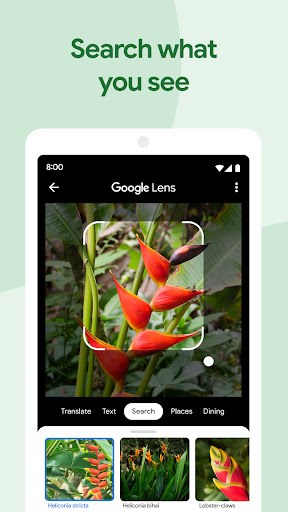
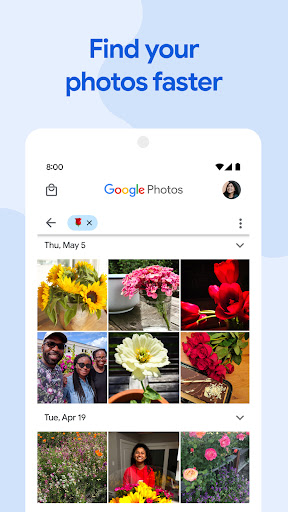
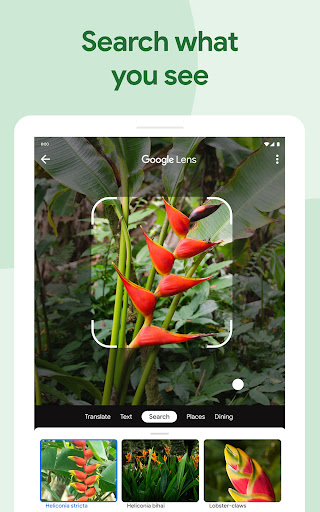
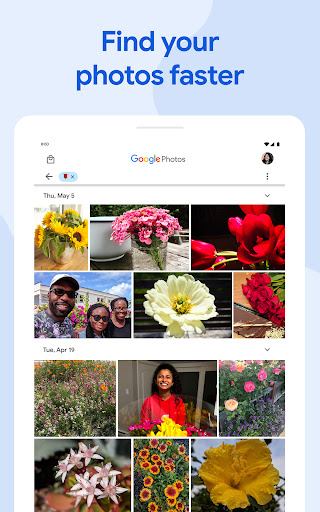
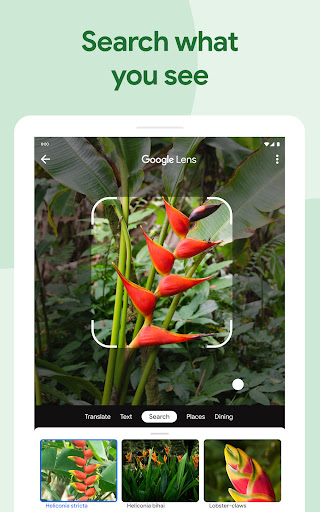
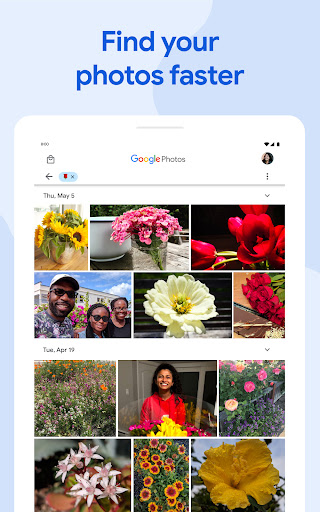
Smart Search: Powerful image recognition lets searches pull results by people, places, objects, and dates without manual tagging. Search works offline for cached content and surfaces results instantly. 🔍
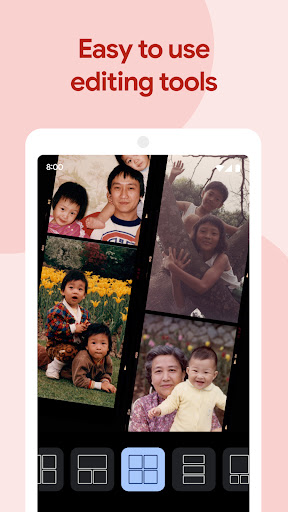
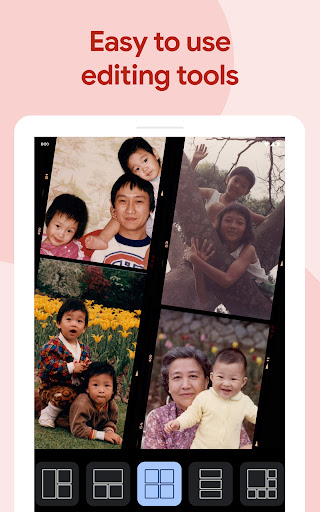
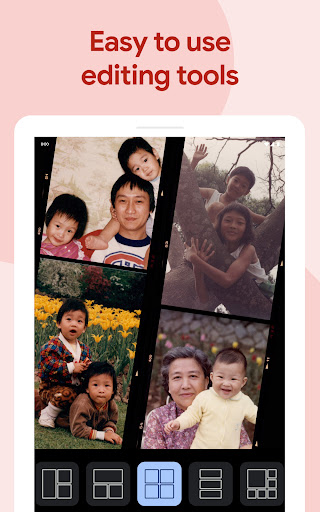
Editing Suite: Built-in editing tools include one-tap enhancements, advanced color and light controls, filters, and cropping for quick touch-ups. Non-destructive edits keep originals accessible for later adjustments. 🖌️
Sharing and Collaboration: Create shared albums, send direct links, and invite partners for collaborative libraries with selective permissions. Shared libraries and partner sharing make group photo management seamless. 👥
Memories and Creations: Automated movies, collages, and stylized photo highlights resurface moments and create instant stories from the library. Memory reminders and themed creations help rediscover old favorites. 🎞️
👍🏼 Pros
Reliable Cloud Backup: Automatic syncing ensures photos are preserved even if a device is lost or damaged. Backup controls and selective folders make management straightforward. ✅
Fast, Accurate Search: AI-driven recognition finds photos by content, location, or face faster than manual browsing. Search suggestions and filters speed up discovery. 🔎
Robust Editing Tools: Integrated editor covers quick fixes and deeper adjustments without third-party apps. Presets and suggestions accelerate common edits. 🎨
Seamless Sharing: Share albums, links, and full-resolution downloads with family and friends in seconds. Collaborative features simplify group photo curation. 🔗
Cross-Platform Access: Access the full photo library from Android, iOS, and web with synchronized changes and consistent experience. Offline caching keeps recent photos available without network access. 🆓
👎🏼 Cons
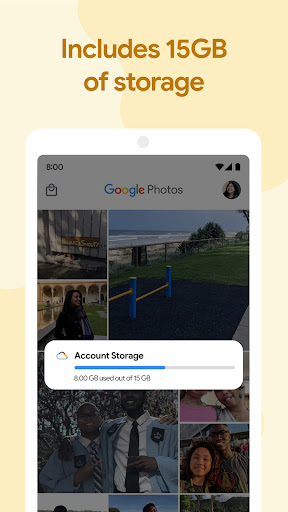
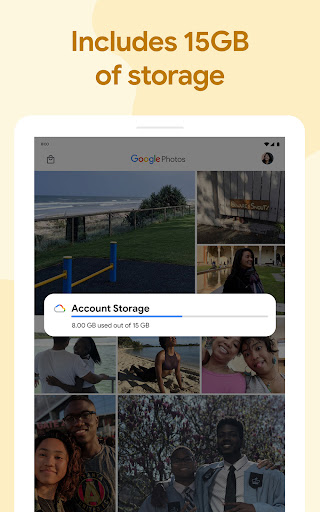
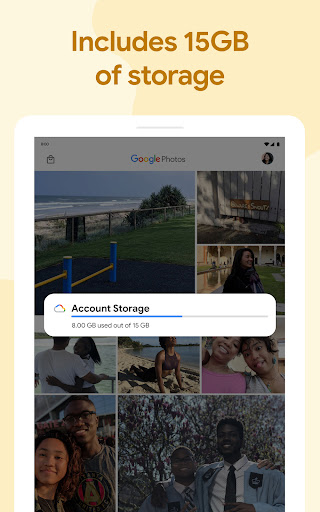
Limited Free Storage: The free tier includes 15 GB shared across Google services, which can fill quickly for heavy photo and video users. Upgrading to Google One is required for larger libraries. ⚠️
Privacy and Data Use: Images are analyzed to enable search, suggestions, and personalization, which may concern privacy-focused users. Personal metadata and content can be used to improve services in accordance with Google policies. 🔒
Costs for Large Libraries: High-resolution and professional libraries require paid Google One tiers to avoid storage caps, leading to recurring costs. Annual or shared-family plans help reduce per-user expense but add budget considerations. 💸
Auto-Tagging Errors: Face grouping and object recognition are powerful but not perfect, occasionally misidentifying people or scenes and requiring manual corrections. This can be frustrating for tight organizational needs. 🤷
Battery and Data Impact: Continuous background uploads and high-frequency syncing can increase battery drain and mobile data usage if settings are not restricted. Careful adjustment of backup preferences is recommended for on-the-go use. 🔋
💰 Prices
Google Photos is free with 15 GB of storage shared across Google services; backups beyond that require a Google One subscription. U.S. Google One starts at $1.99/month for 100 GB, $2.99/month for 200 GB, and $9.99/month for 2 TB, with family sharing and annual discounts available. Upgrade now to expand storage and unlock benefits for large photo libraries.
Similar Apps